
PRODUCTIVITY · SAAS EXPLAINER
Granola explainer video: one meeting, from calendar to notes
An unofficial 30-second SaaS explainer built from granola.ai around one persistent object. The “Q3 GTM sync” block from the site’s hero demo morphs into the Granola window, which then carries the whole story: two jotted notes, enhanced notes, checked-off next steps and a chat question. A lime panel brings in a quote and rating from the website, then shrinks into the “Download for free” button.
- Length
- 30 seconds
- Creative direction
- Website identity
- Source
- www.granola.ai
- Generated
- 2026-11-04
The finished film. Sound on.
This video couldn’t load.
Open the videoMade with LaunchVideoAI
30 seconds, 1080p.
01 / SCENE BY SCENE
How the Granola film is built.
- 0:00–0:04
Back-to-back meetings
“Back-to-back meetings.” is set in Granola’s notepad serif beside a sample calendar column that keeps scrolling, from Pipeline review to Q3 Messaging Rollout. The film’s own line “Listen closely, or take good notes? Every call forces the choice.” states the problem, and the Q3 GTM sync block settles in as the current meeting.
- 0:04–0:10
You jot it down. Granola listens.
The calendar block stretches into the Granola window, title and corners interpolating, so the viewer never loses the object. A user types the site’s two demo notes, “confirm ICP alignment” and “Deal stalls - sales input”, while a Transcribing waveform runs. Three claims from the site appear with its hand-drawn icons: no meeting bot, private by default, works with Zoom, Google Meet and Teams.
- 0:10–0:15
Effortless notes, enhanced instantly
The cursor clicks Generate notes, an “Enhancing notes” shimmer passes, and the full enhanced notes from the website’s demo fill in under ICP Alignment Confirmation and Deal Stalls: Sales Input. The jotted lines glide up to become headings, and a legend explains black is your text and grey is Granola’s additions.
- 0:15–0:19
Post-meeting admin, done
The window scrolls to Next Steps and the Tanya, Rob and Jack action items check off one by one. Recipe chips (List actions, Write follow-up email, Draft project plan) appear, and the site’s chat question “What did I promise to do in my meetings this week?” types itself under “Perfect meeting memory.”
- 0:19–0:22
Quote and rating
A lime panel wipes across the frame with five stars and the quote “It’s actually unbelievable how good Granola is.” from Guillermo Rauch, CEO of Vercel. Beneath it sits “4.96 out of 5 from 14,656 ratings on the App Store”, a figure from the website. It is the only beat without the product window.
- 0:22–0:30
Download for free
The lime panel shrinks into an olive “Download for free” button as the spiral logo sweeps on above “The AI notepad for back-to-back meetings”. “Available for macOS, Windows, iOS, Android” and granola.ai sit below, and the card holds for about seven seconds.
02 / FROM THE WEBSITE
What the AI took from granola.ai.
The only input was the website link and a short brief: “SaaS explainer structure: the customer problem, how the product works (mechanism, shown with real product evidence from the website), the result, and a clear call to action.”. Everything else came from researching the public site.
- Hero headline “The AI notepad for back-to-back meetings”, the “Download for free” button and the platform line “Available for macOS, Windows, iOS, Android”.
- The hero demo recreated from granola.ai: the Q3 GTM sync meeting, the two jotted notes, the Transcribing and Generate notes states and the enhanced notes text verbatim, including the Next Steps for Tanya, Rob and Jack.
- Claims and section headlines from the site: no meeting bot, private by default, works with Zoom, Google Meet and Teams, “Effortless notes, enhanced instantly.”, “Post-meeting admin, done” and “Perfect meeting memory”.
- Recipe chips and the chat question “What did I promise to do in my meetings this week?” from the after-the-meeting demo.
- Guillermo Rauch’s quote and the “4.96 out of 5 from 14,656 ratings on the App Store” line from the testimonials section.
- Granola’s Quadrant serif and Melange grotesk, paper #fcfcf8, lime and olive greens, the hero collage behind the window and the site’s hand-drawn icons.
03 / WORTH BORROWING
Ideas to steal for your own launch video.
- Carry one product object through the whole film. Morphing a calendar block into the app window links the problem to the mechanism without a cut.
- Show your product’s before and after in the same window. Jotted notes becoming enhanced notes proves the value in five seconds.
- If your website already has a demo, reuse its exact text. Granola’s meeting notes read as credible because they are the site’s own.
- Keep social proof to one quote and one figure from your site, on its own colored panel, so it reads as a separate beat.
- Turn the last panel into the call-to-action button and hold it for several seconds, so the ending feels earned rather than appended.
SAME PROCESS. YOUR PRODUCT.
Paste your website and get a film like this.
Original animation and music. One-time payment from $13, with revisions included.
This is an unofficial concept film generated by LaunchVideoAI from Granola’s public website. It is not affiliated with or endorsed by Granola; trademarks and product imagery belong to their owners. Brand owners can ask for removal at [email protected].
KEEP WATCHING
More launch video examples.
 30s
Productivity · SaaS explainer
Cal.com
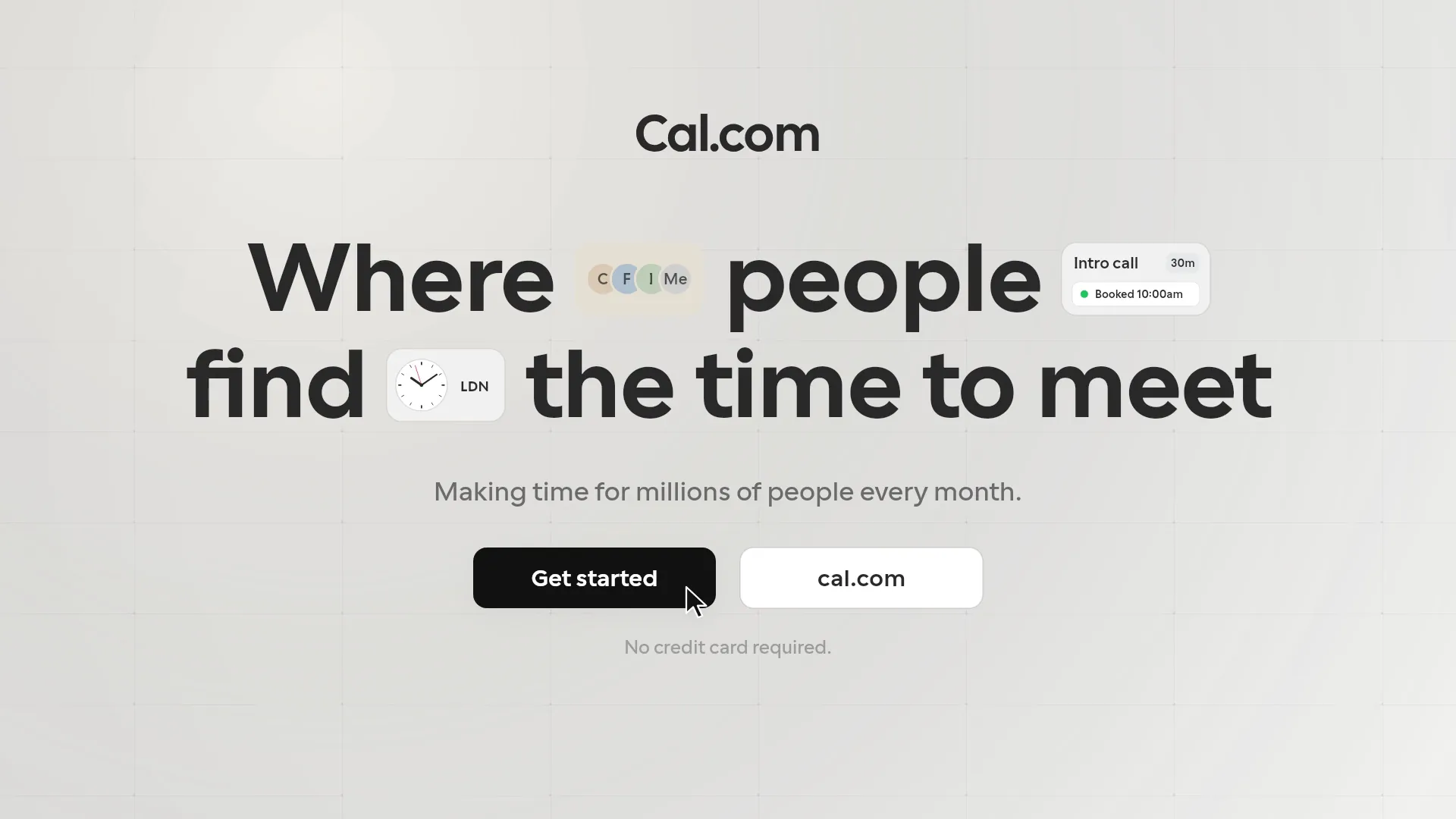
A 30s kinetic explainer generated from cal.com: four people and eleven emails become one booking link, a picked slot, a Booked card and a calendar entry.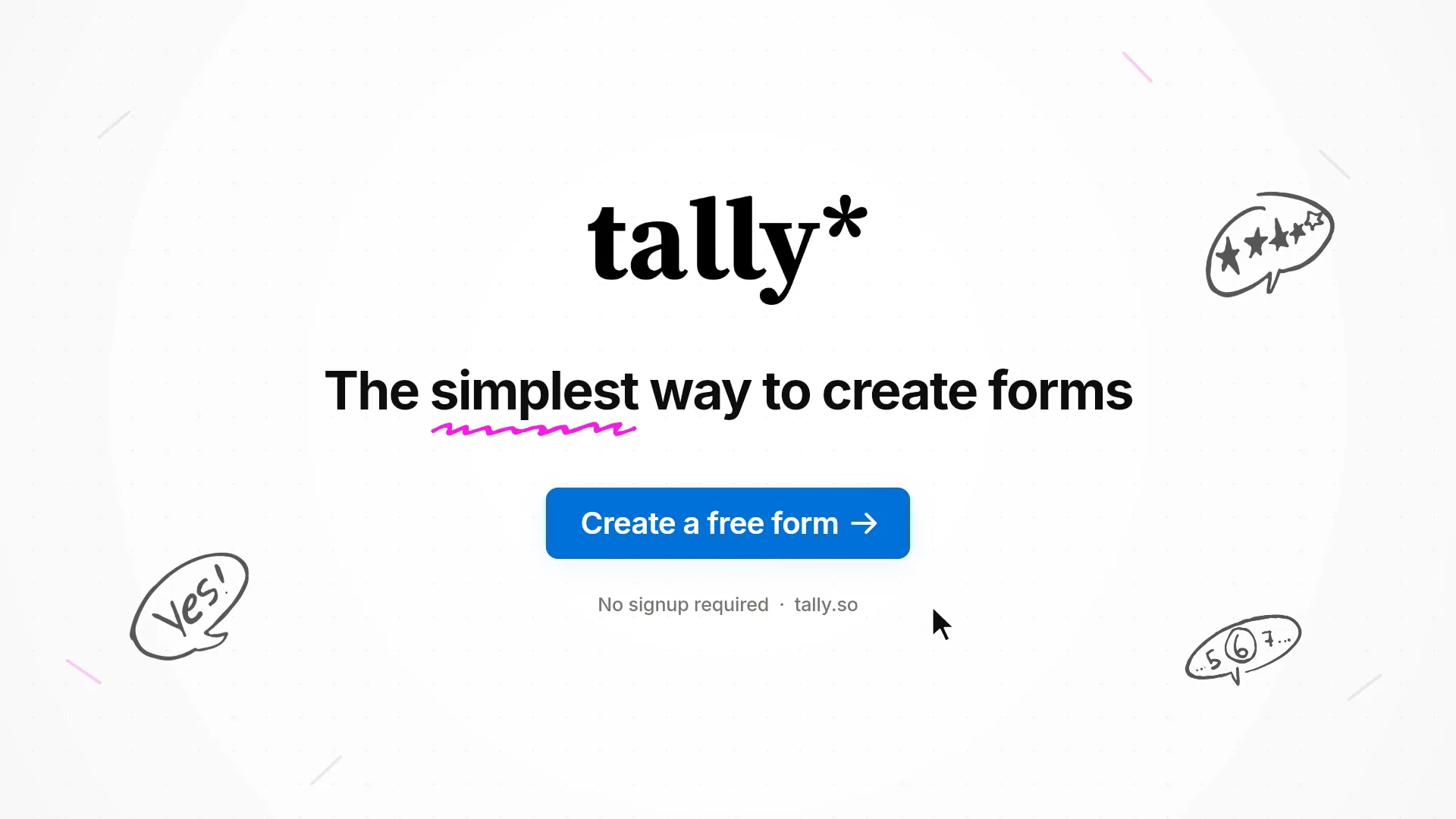 15s
Productivity · Product teaser
Tally
A 15s teaser generated from tally.so: “Just start typing.” turns into a live RSVP form, then unlimited forms, unlimited submissions, free. 15s
Productivity · Product teaser