
01 / Which to choose
Animated demo or screen recording?
Screen recordings are best for tutorials and onboarding, where viewers need to follow along click by click. Animated demos are better for homepages, ads, and launch posts, where viewers need to understand the value fast.
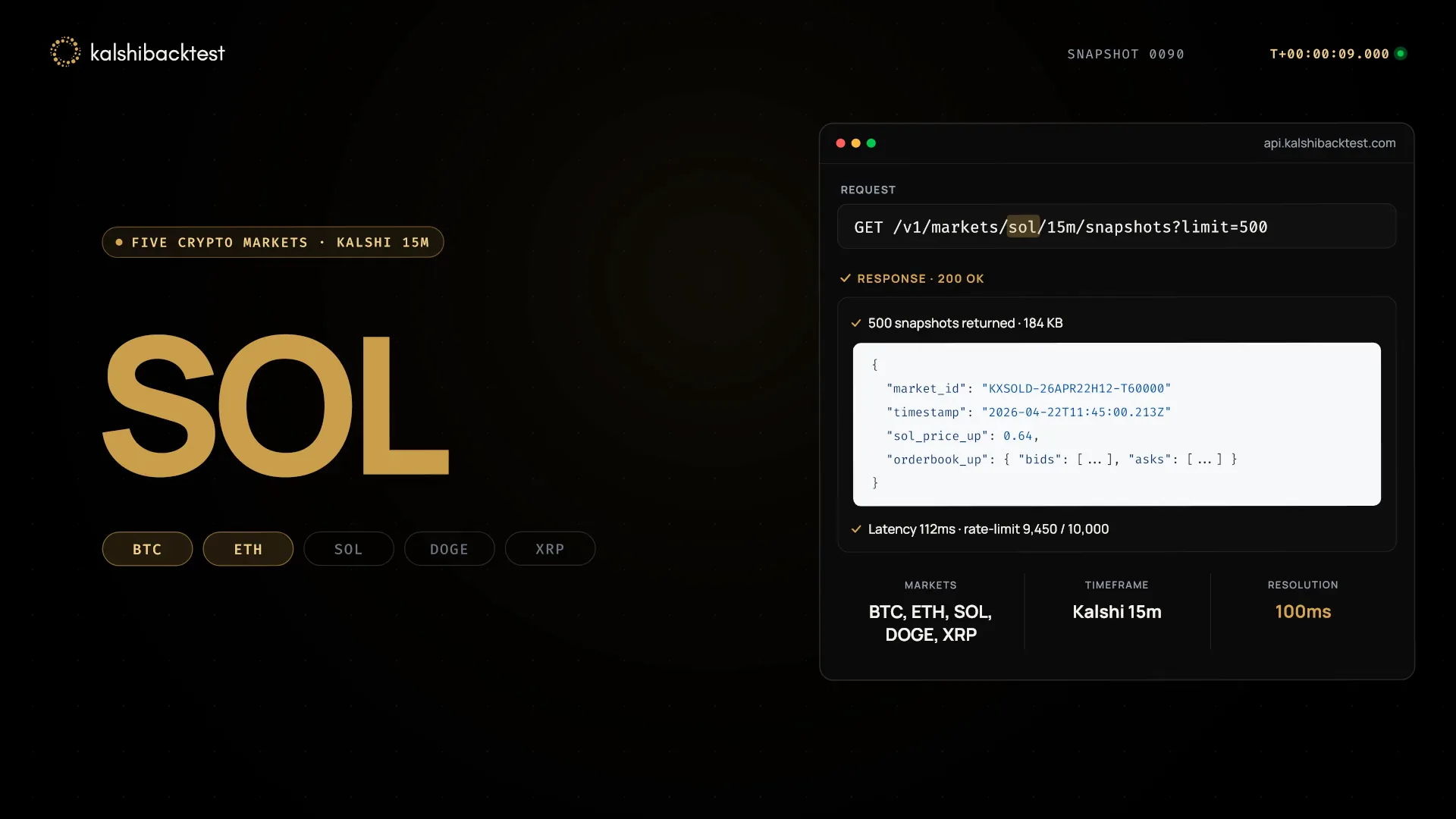
An animated demo lets you crop to the exact control that matters, remove waiting time, and keep the interface sharp at any size. Because LaunchVideoAI rebuilds the UI in code rather than scaling a screenshot, text stays crisp at 1080p.
- Show one complete workflow: the input, the action, and the result.
- Keep labels identical to your real product so the demo is credible.
- Use one moving highlight to guide the eye between states.
- Never show an action your product cannot actually perform.
02 / The structure
A 30-second product demo structure.
0–5s: The context
Who this is for and what they are trying to do, in one line.
5–20s: The workflow
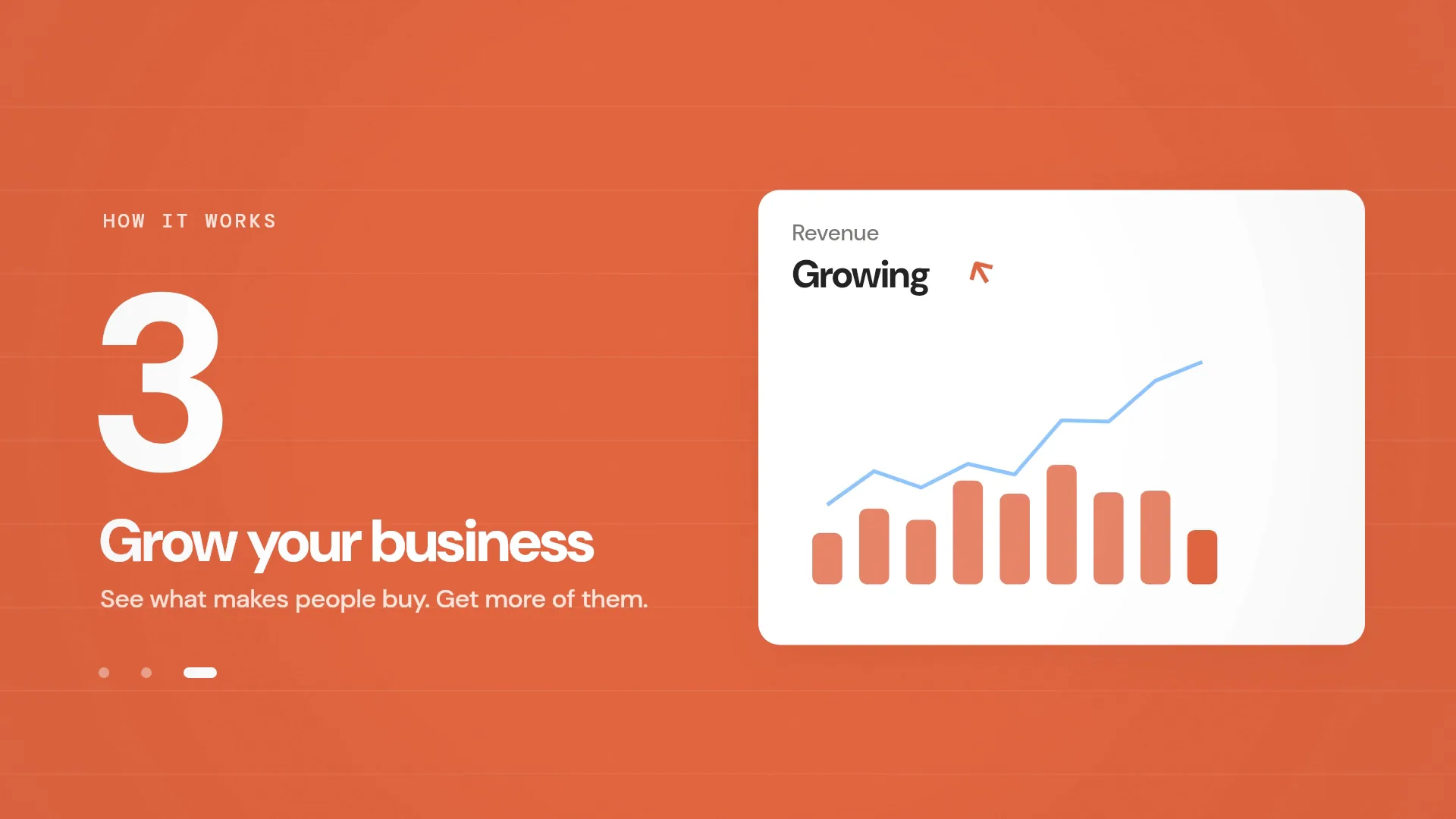
Three product states connected by a consistent frame: before, action, result. Each state holds long enough to read.
20–30s: The payoff
The finished result in full, then your logo, promise, and call to action.
03 / Your options
Your options, side by side.
Pick by audience: learners need recordings, buyers need clarity.
01 / THE WORKFLOW
Hire an agency or freelancer
- You write a brief, approve a script, then review storyboards and drafts over several rounds.
- Pricing is usually quoted per project and depends on length, style, and revision rounds.
- Best when you need live footage, actors, or a long brand campaign.
- Changes after delivery often mean a new quote.
02 / THE WORKFLOW
Screen record and edit
- Prepare a clean demo account and record the workflow.
- Cut dead time, add zoom-ins, and blur private data.
- Re-record when the interface changes.
- Add captions and music in an editor.
03 / THE WORKFLOW
Use LaunchVideoAI
- Paste your public website. The AI researches your product, colors, typography, and messaging.
- Choose a creative direction and length, and add any details you want highlighted.
- The AI writes the scenes, codes the animation, composes the music, and renders the film.
- Ask for changes in plain language. LaunchVideoAI costs $13 USD one-time for one original video with three edit revisions, or $24 USD for three distinct videos of the same website with three shared revisions.
YOUR WEBSITE IS ALREADY THE BRIEF
Let’s put it in motion.
Original animation and music, made for your brand.
04 / Common questions
Questions founders ask first.
Do I need to provide screenshots?
No. The AI researches your public website and recreates the interface elements it finds there. Pages behind a login are not visible to it.
Will the UI match my product exactly?
It uses your real labels, colors, and typography from the site, rebuilt in code. Review the film before publishing; you can ask for corrections in a revision.
How long should a product demo video be?
30 seconds is a good default for a homepage demo. Up to 60 seconds is included.
How much does it cost?
LaunchVideoAI costs $13 USD one-time for one original video with three edit revisions, or $24 USD for three distinct videos of the same website with three shared revisions. Any length up to 60 seconds is included, and applicable tax is added at checkout.