
01 / What works
What a feature announcement video needs.
Feature videos are for people who already know your product. Skip the company introduction and go straight to the change: what was hard before, what the feature does, and where to find it.
Use the highlight field when you start a video to name the feature and the one outcome it delivers. The AI builds the story around it, using the language and interface elements from your site.
- Name the feature exactly as it appears in your product.
- Show the before and after states, not a list of capabilities.
- Keep it to 15 seconds for changelog posts and social.
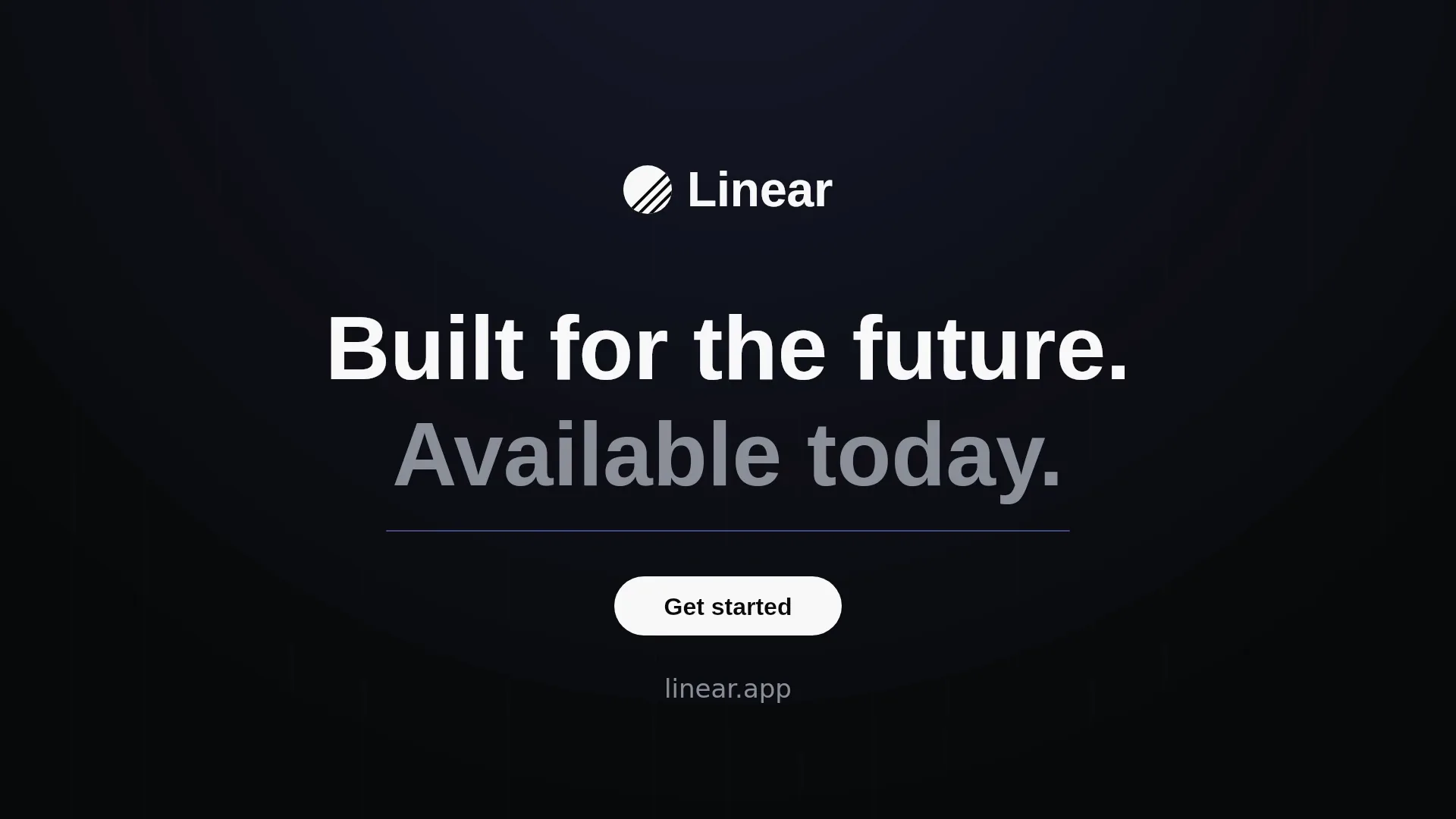
- End with where to find it: a menu name, a URL, or “available today”.
02 / Highlight note
A highlight note that works.
Paste something like this into the highlight field when you create the video. Replace the bracketed parts with your real details.
Announce our new [feature name]. Before: [the old workaround in one sentence]. After: [what the feature does in one sentence]. Show it in the product UI from the website. End on “[available today / now in beta]” and [domain].
Only mention availability and claims that are true today. The AI does not invent features, but it will use what you tell it.
03 / The structure
A 15-second feature video structure.
0–3s: The old way
One line naming the friction. A cropped, slightly muted view of the old workflow.
3–11s: The new feature
The feature name appears, then the interface does the work in one clear movement.
11–15s: Where to get it
Logo, “available today”, and the place to find it.
04 / Your options
Your options, side by side.
For frequent releases, speed and consistency usually matter more than bespoke production.
01 / THE WORKFLOW
Hire an agency or freelancer
- You write a brief, approve a script, then review storyboards and drafts over several rounds.
- Pricing is usually quoted per project and depends on length, style, and revision rounds.
- Best when you need live footage, actors, or a long brand campaign.
- Changes after delivery often mean a new quote.
02 / THE WORKFLOW
Record and edit it yourself
- Record a screen capture of the feature in a clean demo account.
- Trim it, add zooms, captions, and a title card in an editor.
- Repeat the work for every release, and keep the style consistent by hand.
- Works well for long tutorials; slower for short announcements.
03 / THE WORKFLOW
Use LaunchVideoAI
- Paste your public website. The AI researches your product, colors, typography, and messaging.
- Choose a creative direction and length, and add any details you want highlighted.
- The AI writes the scenes, codes the animation, composes the music, and renders the film.
- Ask for changes in plain language. LaunchVideoAI costs $13 USD one-time for one original video with three edit revisions, or $24 USD for three distinct videos of the same website with three shared revisions.
YOUR WEBSITE IS ALREADY THE BRIEF
Let’s put it in motion.
Original animation and music, made for your brand.
05 / Common questions
Questions founders ask first.
Can it focus on one specific feature?
Yes. Use the highlight field to name the feature and what it changes. The AI centers the story on it.
Does it show my logged-in product?
It recreates UI it can see on your public website. If the feature is shown on your site or changelog page, it can use that; it cannot log into your app.
Can I make one for every release?
Each package covers one website. The $24 package includes three distinct videos, which suits a launch plus two follow-up announcements.
How much does it cost?
LaunchVideoAI costs $13 USD one-time for one original video with three edit revisions, or $24 USD for three distinct videos of the same website with three shared revisions. Any length up to 60 seconds is included, and applicable tax is added at checkout.