
DEVELOPER TOOLS · SAAS EXPLAINER
Cursor explainer video: a waiting backlog, handed off to agents
An unofficial 30-second explainer built from cursor.com, with the text caret as its main character. The caret types the problem, carries the idea into Cursor’s prompt box, and finally types the Cursor wordmark. In between, three numbered beats show one task handed off, agents running in parallel, and Cursor in the terminal and Slack, before the opening backlog flips to Ready for review.
- Length
- 30 seconds
- Creative direction
- AI-led
- Source
- cursor.com
- Generated
- 2026-11-04
The finished film. Sound on.
This video couldn’t load.
Open the videoMade with LaunchVideoAI
30 seconds, 1080p.
01 / SCENE BY SCENE
How the Cursor film is built.
- 0:00–0:05
Every idea waits in line
On warm paper, a blinking caret types “Every idea / waits in line.” while task chips stack up on the right, each marked Queued: Add affine gap alignment, Plan Mission Control, PyTorch MNIST experiments, Auth token rotation and more, all task names from the site’s demos. The headline is written for the film; the growing list makes the problem visible. The caret then backspaces the line.
- 0:05–0:07
The caret becomes the prompt
The chips are absorbed and the caret flies into a composer that grows out of it, reading “Plan, search, build anything”. It types the site’s demo prompt, “let's build a dashboard to make our research findings interactive”, and a painted landscape opens behind the box like a portal.
- 0:07–0:12
01 Hand off the task
The camera pulls back to a Cursor Desktop window over the painted wallpaper. The sidebar shows In Progress and Ready for Review tasks from the site, the agent reports “Explored 12 files, 4 searches” and streams the site’s reply, and a localhost:3000 preview builds an Acme Research Dashboard. The dashboard figures and chart are illustrative sample content.
- 0:12–0:17
02 Agents run in parallel
The window shrinks into one tile of a three-by-two grid of cloud agents, named after the site’s tasks: Live Telemetry Pipeline, Zero-Downtime Deploys, Binary Protocol Parser, Edge Cache Invalidation and Auth Token Rotation. Each tile’s progress bar fills and turns green with Ready for review; the diff counts on the tiles are sample figures.
- 0:17–0:22
03 In every tool, at every step
A motion-blurred whip pan lands on a dark terminal and a Slack window side by side. The terminal types the site’s install command, “curl https://cursor.com/install -fsS | bash”, then opens cursor-agent (the install output lines are sample text). The Slack panel replays the site’s #feature-realtime-sync thread, where a teammate tags @cursor and the Cursor app replies with a fix.
- 0:22–0:26
Agents turn ideas into code
A caret-shaped wipe returns to paper and the site’s headline “Agents turn ideas into code.” lands, followed by “You focus on the decisions.” The backlog chips from the opening come back and flip from Queued to Ready for review one by one, which pays off the first scene.
- 0:26–0:30
Wordmark typed by the caret
The Cursor mark springs in and the caret types the CURSOR wordmark beside it. “Your coding agent for building ambitious software.” follows, with a dark Download for macOS button and cursor.com, holding for about two seconds.
02 / FROM THE WEBSITE
What the AI took from cursor.com.
The only input was the website link and a short brief: “SaaS explainer structure: the customer problem, how the product works (mechanism, shown with real product evidence from the website), the result, and a clear call to action.”. Everything else came from researching the public site.
- Site headlines used on screen: “Agents turn ideas into code”, “In every tool, at every step” and, adapted for the end card, “Cursor is your coding agent for building ambitious software.” “You focus on the decisions.” is adapted from the site’s “while you focus on making decisions.”
- Demo copy recreated from the homepage: the prompt “let's build a dashboard to make our research findings interactive”, the agent’s reply, and task names such as Plan Mission Control, Bioinformatics Tools and Auth Token Rotation.
- The Cursor Desktop layout from the site demo, with In Progress and Ready for Review lists and the Bioinformatics Tools “+135 −21” diff.
- The site’s install command “curl https://cursor.com/install -fsS | bash” and its #feature-realtime-sync Slack thread.
- Art direction from cursor.com: warm paper (#f7f7f4) and ink (#26251e), Cursor Gothic and Berkeley Mono type, the painted landscape wallpaper behind product windows, and green and red diff accents.
- The “Download for macOS” call to action from the hero.
03 / WORTH BORROWING
Ideas to steal for your own launch video.
- Pick one visual element from your product, here the text caret, and let it carry the whole explainer. It links problem, mechanism and logo without hard cuts.
- Open and close on the same object. The queued backlog of the first scene flipping to Ready for review is the result, shown instead of claimed.
- Number the mechanism beats (01, 02, 03) and give each a short headline, so a dense 30 seconds still reads as three steps.
- Reuse the exact prompts, task names and commands from your own site demos. They make recreated UI feel specific, and keep invented content to clearly sample numbers.
- Change backdrop to mark changes of mode: plain paper for the message, the painted wallpaper for the product.
SAME PROCESS. YOUR PRODUCT.
Paste your website and get a film like this.
Original animation and music. One-time payment from $13, with revisions included.
This is an unofficial concept film generated by LaunchVideoAI from Cursor’s public website. It is not affiliated with or endorsed by Cursor; trademarks and product imagery belong to their owners. Brand owners can ask for removal at [email protected].
KEEP WATCHING
More launch video examples.
 30s
Developer tools · SaaS explainer
Supabase
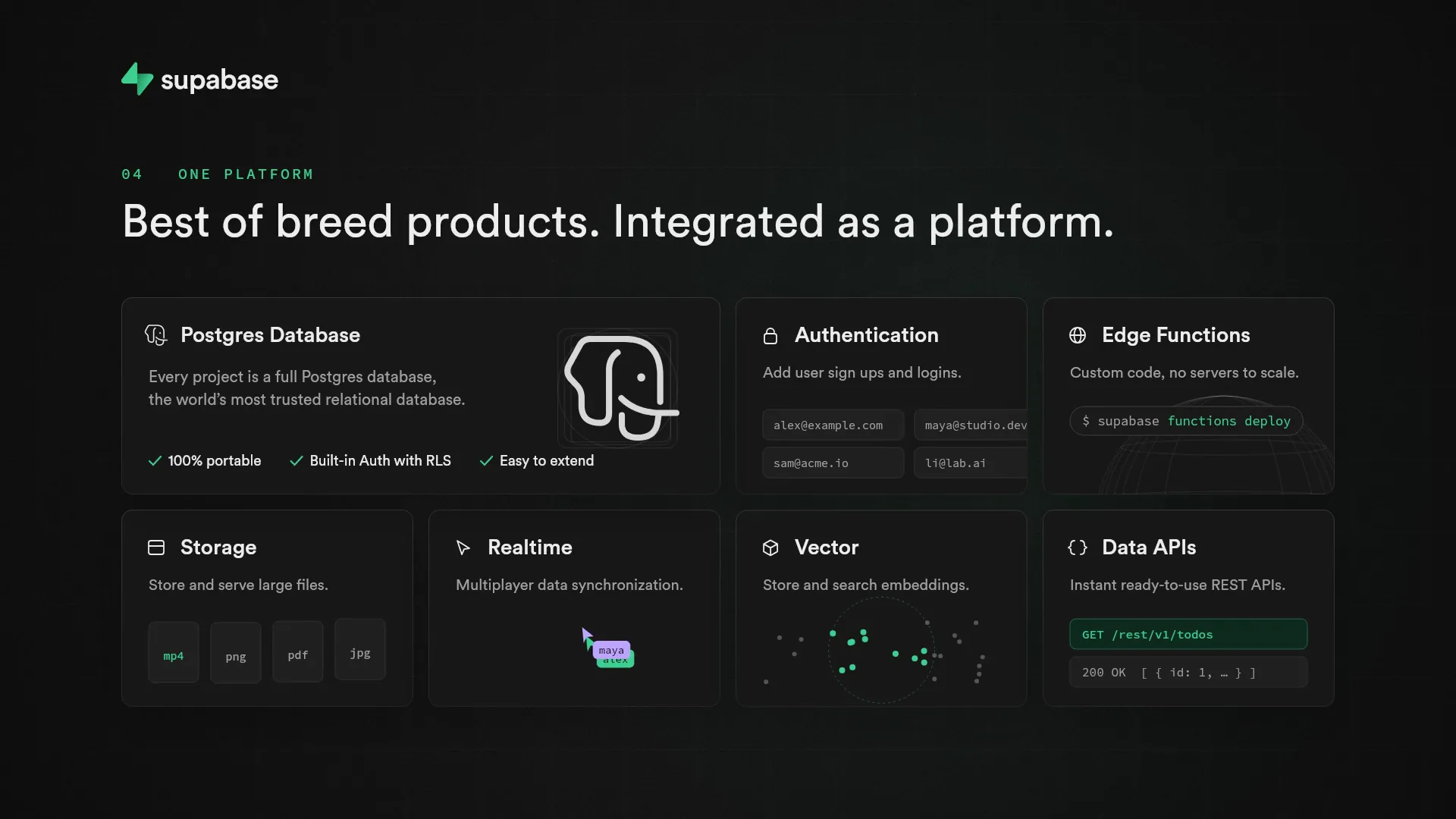
A 30s dark-mode explainer generated from supabase.com: a weekend backend to-do list, then Postgres, instant APIs and Row Level Security shown in UI.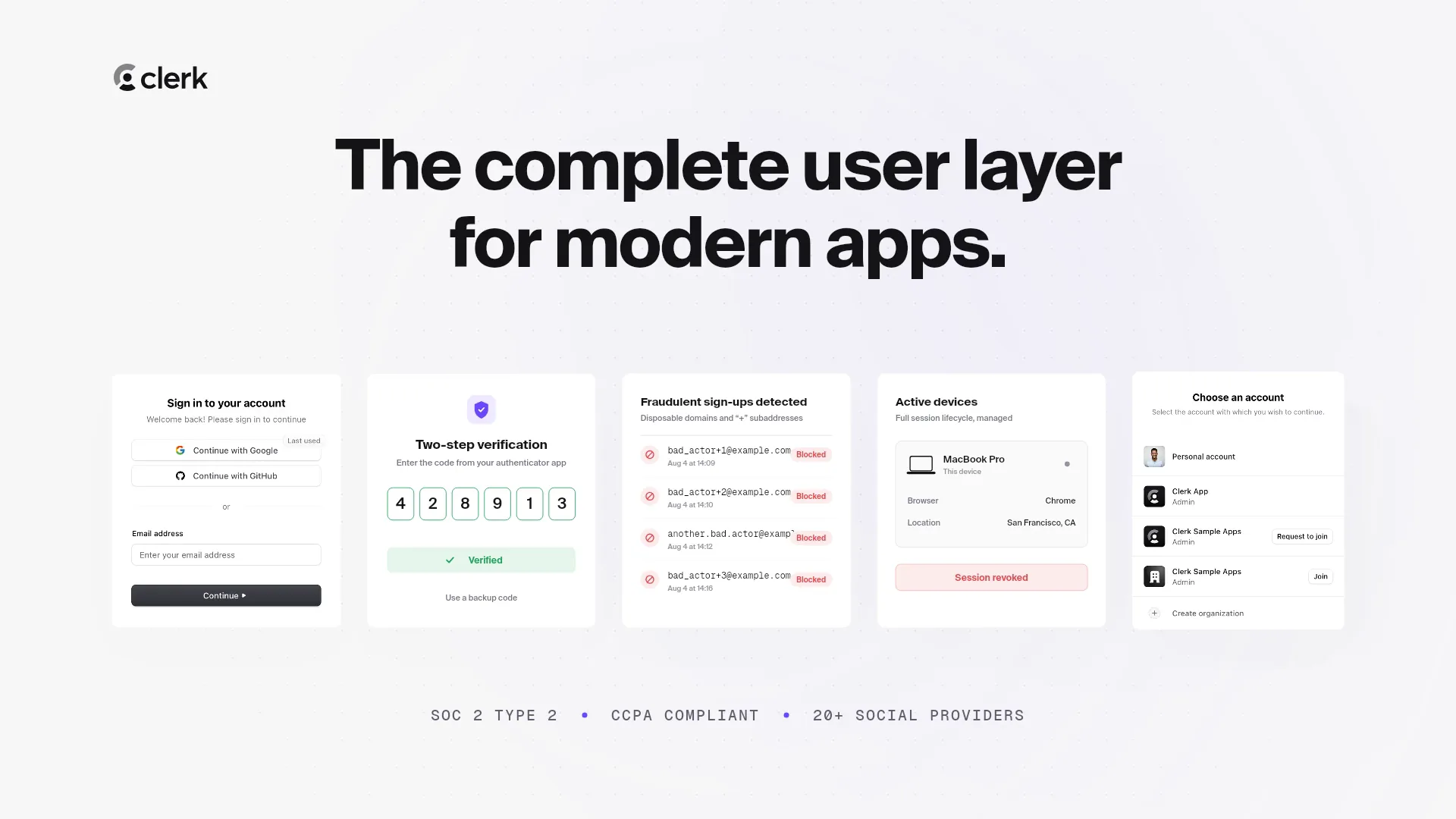 30s
Developer tools · SaaS explainer
Clerk
A 30s SaaS explainer generated from clerk.com: why login is hard, a SignIn component, 2FA, fraud blocking, session revoke, org switching, CTA. 15s
Developer tools · Launch film