
01 / What it uses
What the AI takes from your website.
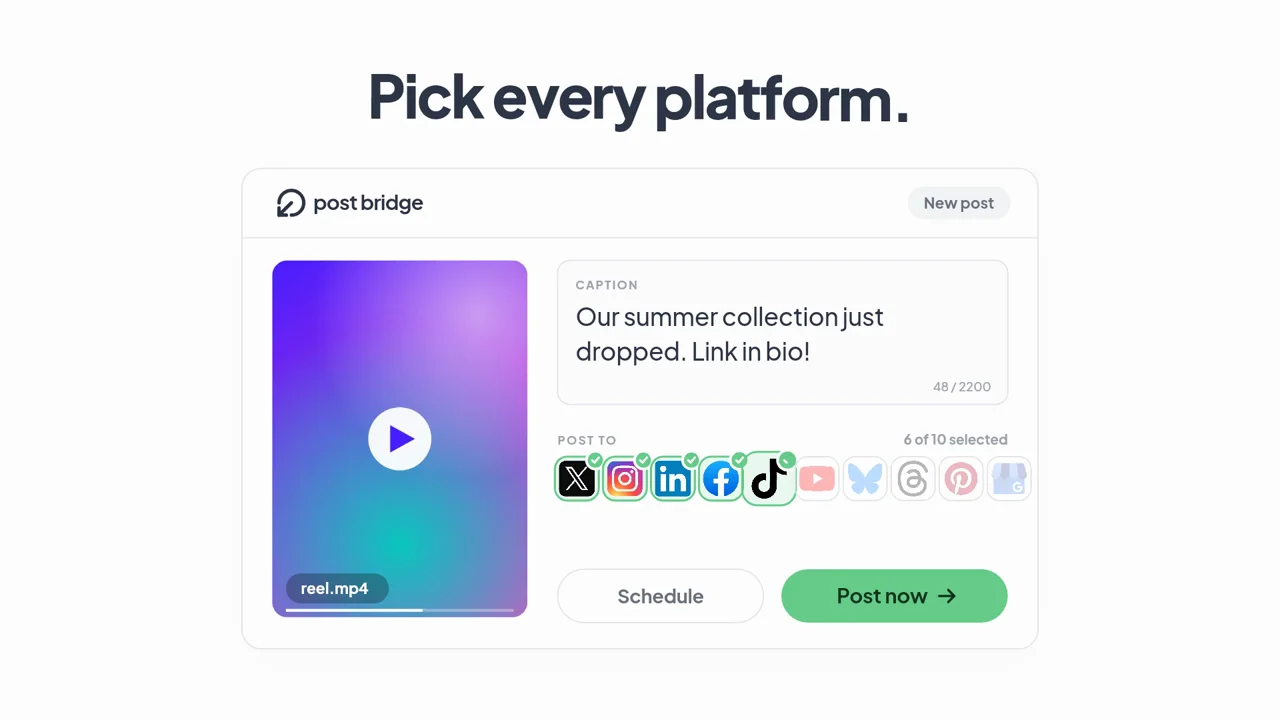
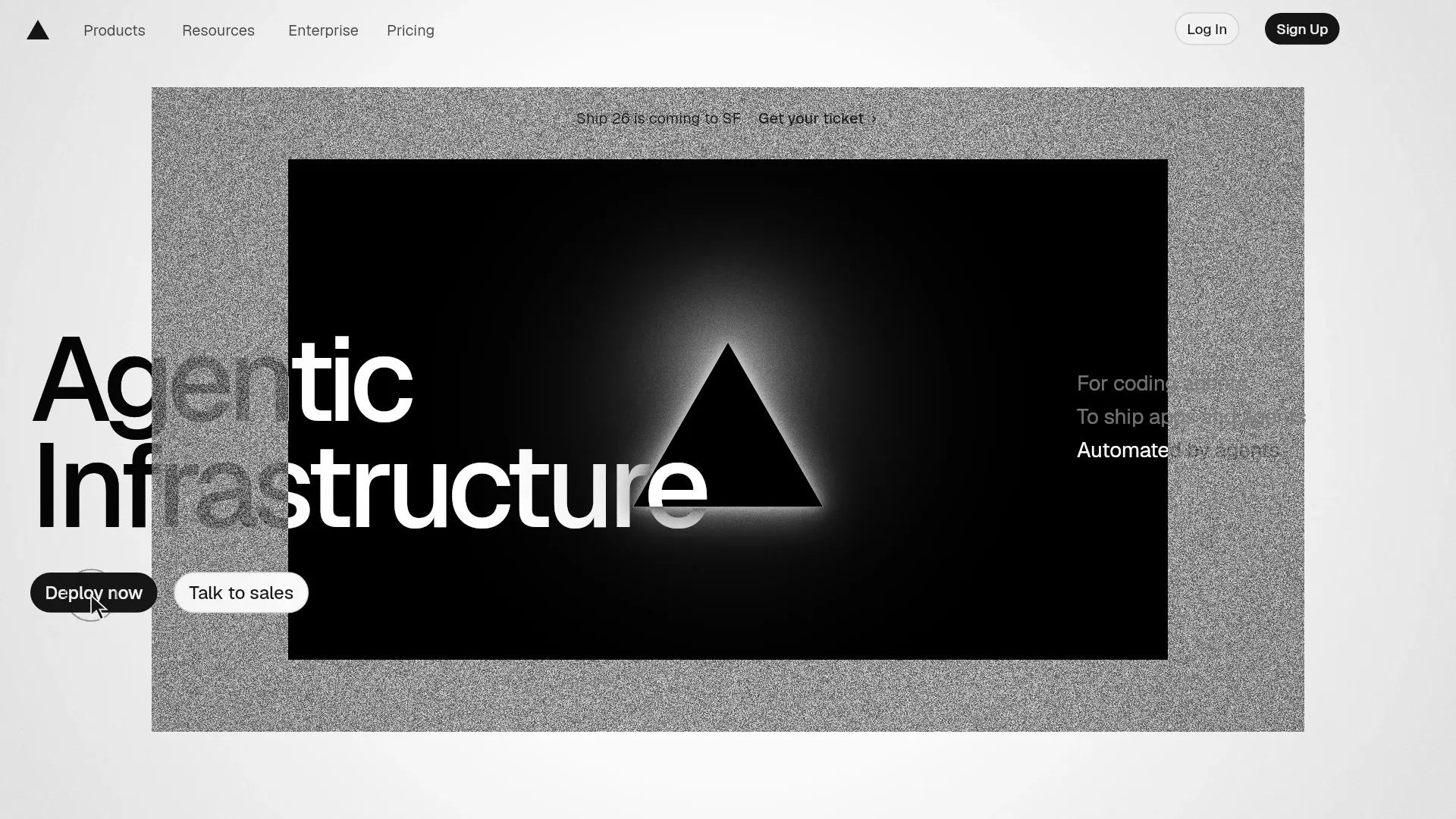
Website-to-video tools usually scroll through your page and add music. That produces a recording, not a story. LaunchVideoAI does research instead: it extracts your headline and positioning, the product interface you show, your color palette and typefaces, and the call to action you already use.
Then an AI director decides what the story should be, writes the scenes, and builds every animation in code. Nothing is a stock template, which is why two websites never produce the same film.
- Your hero headline and supporting copy, used as the spine of the story.
- Product UI from your page, recreated in code so it stays sharp.
- Your brand colors and fonts, so the film looks like your site.
- Your real call to action and domain on the end card.
02 / How it works
From URL to MP4.
Paste your URL
Any public product or company website. Entering it does not start a paid generation.
Pick a direction and length
Website identity keeps your exact look. Kinetic, minimal, and bold take it somewhere new. Choose any length up to 60 seconds.
Watch it come together
The AI researches, writes, animates, composes, renders, and checks its own frames before delivery.
Revise and download
Request changes in plain language. You download a 1080p landscape MP4 with original music. Earlier versions stay downloadable after a revision.
03 / Your options
Your options, side by side.
Three ways to get from a website to a video.
01 / THE WORKFLOW
Hire an agency or freelancer
- You write a brief, approve a script, then review storyboards and drafts over several rounds.
- Pricing is usually quoted per project and depends on length, style, and revision rounds.
- Best when you need live footage, actors, or a long brand campaign.
- Changes after delivery often mean a new quote.
02 / THE WORKFLOW
Screen record your site
- Record a scroll through your homepage.
- Add captions, zooms, and music in an editor.
- Quick, but the result looks like a recording of a webpage.
- Dense pages become hard to read at video size.
03 / THE WORKFLOW
Use LaunchVideoAI
- Paste your public website. The AI researches your product, colors, typography, and messaging.
- Choose a creative direction and length, and add any details you want highlighted.
- The AI writes the scenes, codes the animation, composes the music, and renders the film.
- Ask for changes in plain language. LaunchVideoAI costs $13 USD one-time for one original video with three edit revisions, or $24 USD for three distinct videos of the same website with three shared revisions.
YOUR WEBSITE IS ALREADY THE BRIEF
Let’s put it in motion.
Original animation and music, made for your brand.
04 / Common questions
Questions founders ask first.
Which websites work best?
Product and SaaS sites with a clear headline and some visible product UI give the AI the most to work with. Very sparse pages still work; add a highlight note with the details you want.
Is my website changed in any way?
No. The AI only reads your public pages.
Can I make a video for a website I do not own?
Make videos for products you own or are authorized to promote. The films in our examples library are clearly labeled, unofficial concept films made from public websites to show what the AI can do.
How much does it cost?
LaunchVideoAI costs $13 USD one-time for one original video with three edit revisions, or $24 USD for three distinct videos of the same website with three shared revisions. Any length up to 60 seconds is included, and applicable tax is added at checkout.