

01 / What works
What makes a SaaS explainer work.
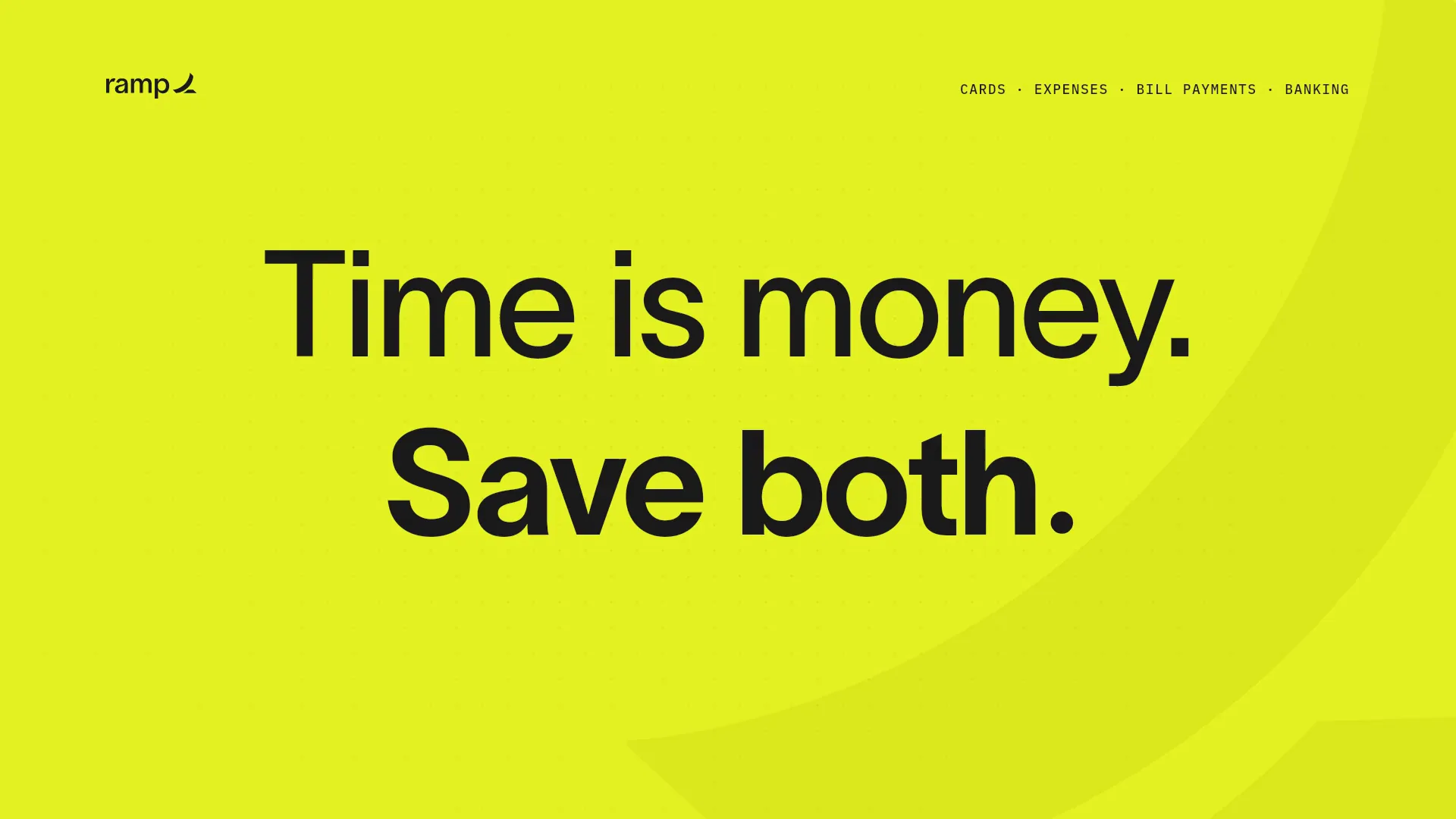
Most SaaS explainers fail in the same way: they list features. Viewers do not remember features; they remember a change. The strongest explainers show the customer’s current workaround, the moment the product removes it, and the result, using the real interface as proof.
Length matters less than structure. A 30-second explainer has room for one problem, one mechanism, and one call to action. At 45 to 60 seconds you can add a second proof point or a short how-it-works sequence, but every extra scene has to earn its time.
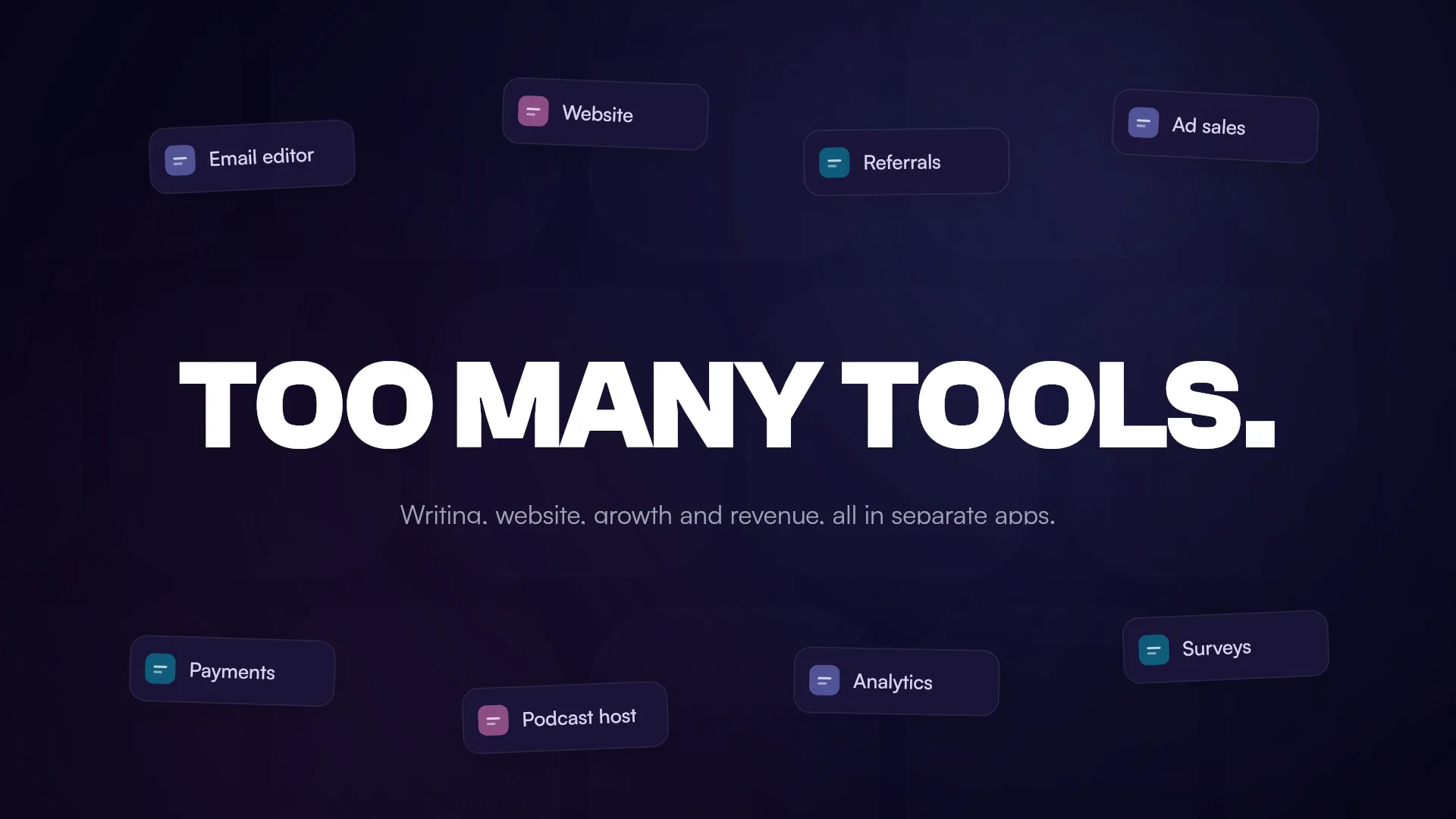
- Open on the customer’s problem in their own words, not your product name.
- Show the mechanism with real UI. Recreated product screens beat abstract icons.
- Hold each headline still long enough to read it. Movement should direct attention, not decorate.
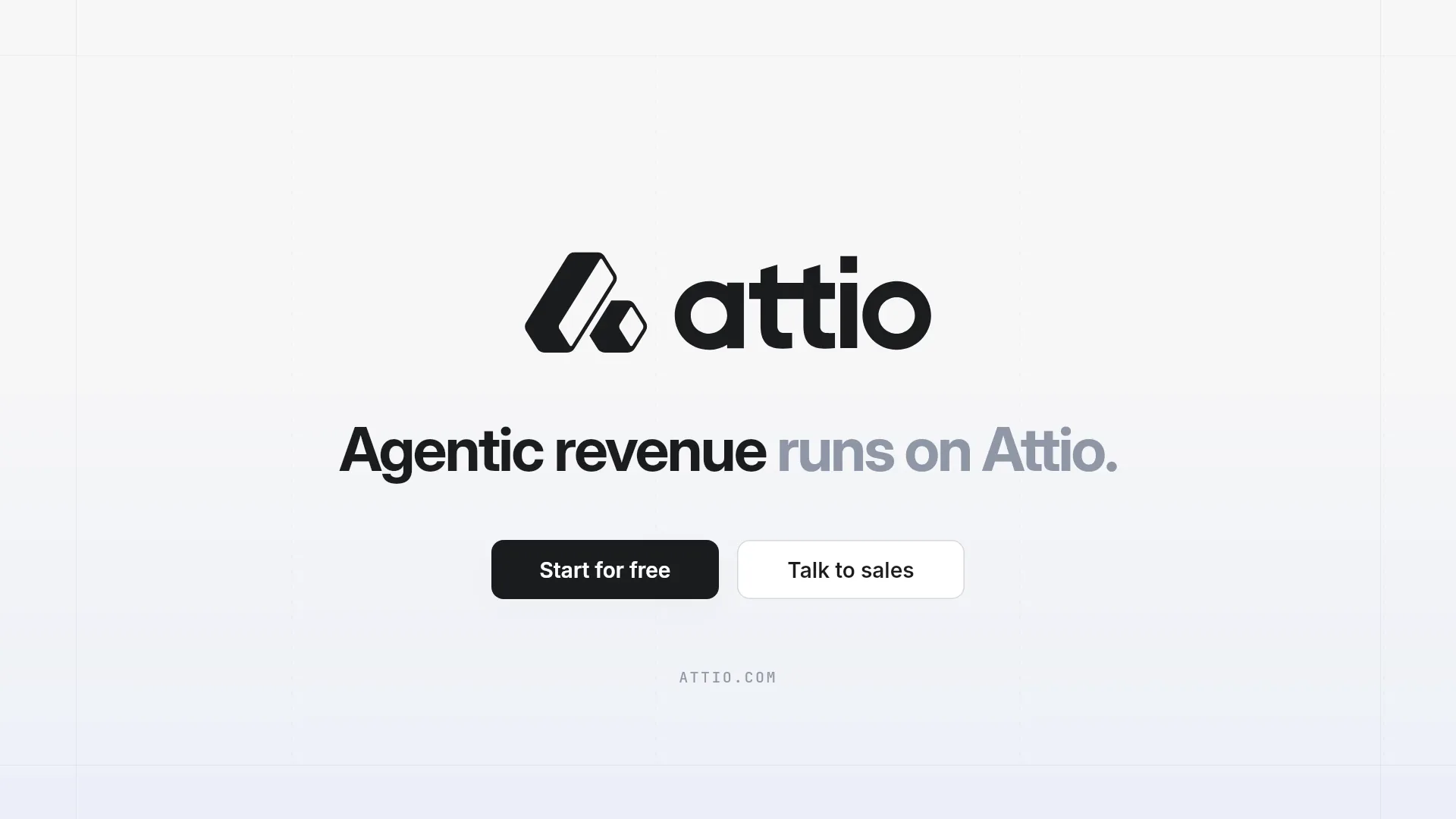
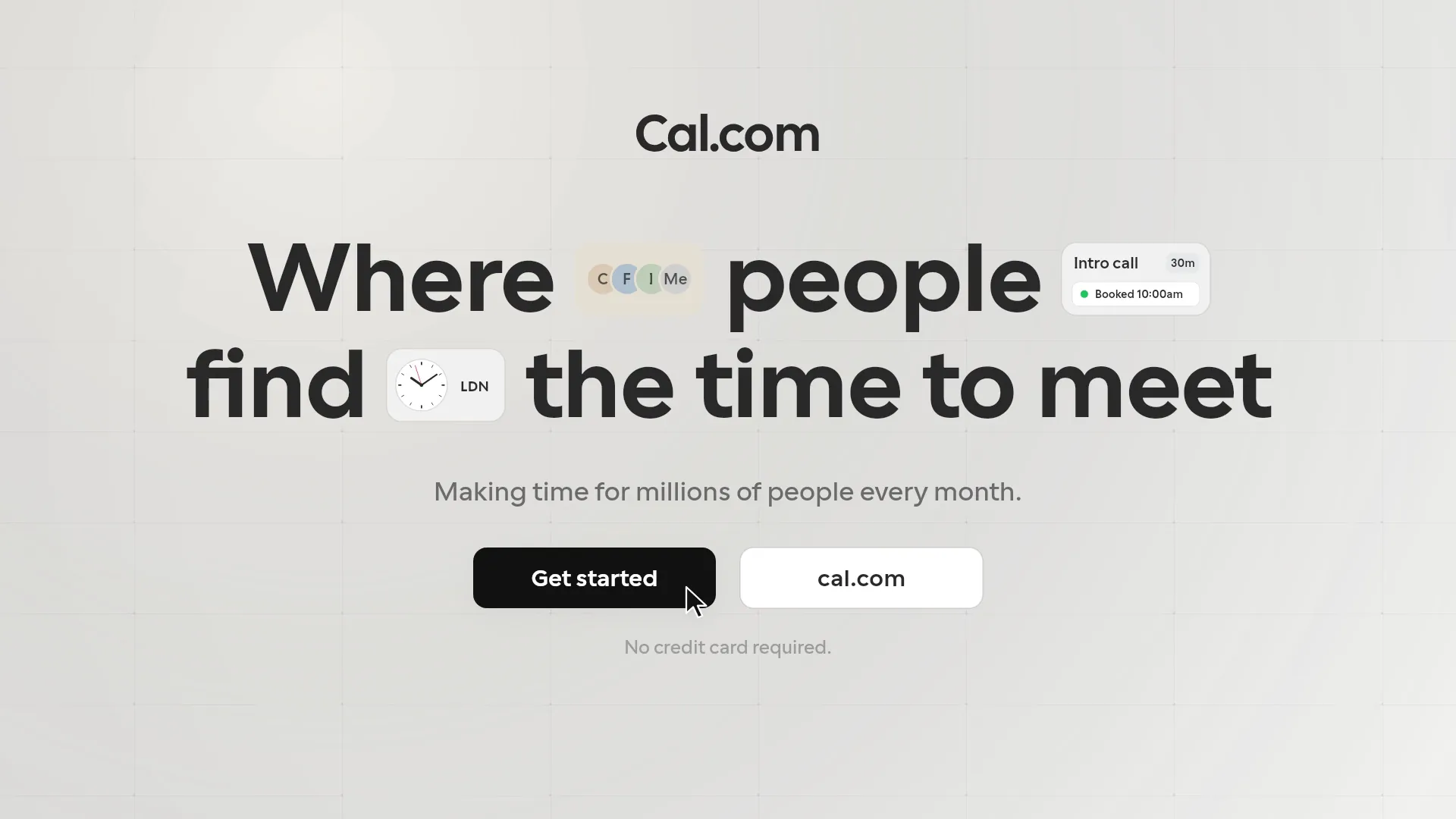
- End on one action and your real domain, held on screen for at least two seconds.
02 / The structure
A 30-second SaaS explainer structure.
This is the shape LaunchVideoAI follows when you ask for an explainer. Adjust the timing for 45 or 60 seconds.
0–5s: The problem
Name the friction your customer feels today. One line of text, one visual metaphor or a cropped view of the messy status quo.
5–15s: The mechanism
Introduce the product and show how it works with a recreation of your interface: the input, the action, the transformation.
15–24s: The result
Show what the user ends up with: a dashboard, a finished workflow, a shipped feature. Keep real labels from your product so it feels credible.
24–30s: The invitation
Logo, your one-line promise, and the call to action from your website. Nothing else moves.
03 / Your options
Your options, side by side.
An honest comparison of the three common routes. Agency pricing varies widely; ask for quotes that include revision rounds.
01 / THE WORKFLOW
Hire an agency or freelancer
- You write a brief, approve a script, then review storyboards and drafts over several rounds.
- Pricing is usually quoted per project and depends on length, style, and revision rounds.
- Best when you need live footage, actors, or a long brand campaign.
- Changes after delivery often mean a new quote.
02 / THE WORKFLOW
Build it yourself in an editor
- Learn a timeline editor or motion tool such as After Effects, Premiere Pro, or Canva.
- Capture clean product screenshots, then animate them layer by layer.
- Find licensed music and sync cuts to it by hand.
- Expect several working days for a polished first explainer.
03 / THE WORKFLOW
Use LaunchVideoAI
- Paste your public website. The AI researches your product, colors, typography, and messaging.
- Choose a creative direction and length, and add any details you want highlighted.
- The AI writes the scenes, codes the animation, composes the music, and renders the film.
- Ask for changes in plain language. LaunchVideoAI costs $13 USD one-time for one original video with three edit revisions, or $24 USD for three distinct videos of the same website with three shared revisions.
YOUR WEBSITE IS ALREADY THE BRIEF
Let’s put it in motion.
Original animation and music, made for your brand.
04 / How it works
How LaunchVideoAI makes your explainer.
Paste your website
The AI reads your homepage and key pages: headline, positioning, features, UI, colors, and fonts.
Choose the direction
Stay true to your website identity or pick kinetic, minimal, or bold. Add a note such as “explain the mechanism for engineering leads”.
The AI builds it
An AI director writes the scenes, codes every animation, composes an original soundtrack, renders the film, and reviews its own frames before delivery.
Revise and download
Ask for changes in plain language: a different headline, slower pacing, another feature. You download a 1080p landscape MP4 with original music. Earlier versions stay downloadable after a revision.
05 / Common questions
Questions founders ask first.
How long should a SaaS explainer video be?
For a homepage or launch post, 30 to 45 seconds is usually enough to explain one problem and one mechanism. Use 60 seconds only if you need a second proof point. LaunchVideoAI makes any length up to 60 seconds.
Does it use my real product interface?
The AI recreates interface elements it finds on your public website in code, using your labels, colors, and typography. It does not log into your product, so screens behind a login are not shown unless they appear on your site.
Can I add narration?
Films are delivered with original music. Text on screen carries the message, which also suits autoplay on social feeds where sound is off by default.
How much does a SaaS explainer video cost?
LaunchVideoAI costs $13 USD one-time for one original video with three edit revisions, or $24 USD for three distinct videos of the same website with three shared revisions. Any length up to 60 seconds is included, and applicable tax is added at checkout.
Can I use it commercially?
Yes. The film is made for your product from your own website, with original animation and music, so you can use it on your site, in ads, and on social media.