
MARKETING · SAAS EXPLAINER
beehiiv explainer video: too many tools become one platform
An unofficial 30-second SaaS explainer built from beehiiv.com that follows a problem, mechanism, result and call-to-action structure. It opens on “TOO MANY TOOLS.” surrounded by separate tool chips, which spiral together into the beehiiv mark, the site’s answer to that problem. The middle steps through the site’s own Create, Publish, Grow and Monetize section with its product images before ending on “READY TO BUILD?”.
- Length
- 30 seconds
- Creative direction
- Quiet confidence
- Source
- www.beehiiv.com
- Generated
- 2026-11-04
The finished film. Sound on.
This video couldn’t load.
Open the videoMade with LaunchVideoAI
30 seconds, 1080p.
01 / SCENE BY SCENE
How the beehiiv film is built.
- 0:00–0:03
TOO MANY TOOLS.
The first frame is a complete composition: “TOO MANY TOOLS.” in heavy capitals over a dark violet field, ringed by eight drifting chips such as Email editor, Website, Ad sales and Podcast host. Pink notification badges pop onto each chip one by one, so the clutter builds while the headline holds still. The chips and badges are illustrative, written for the film.
- 0:03–0:05
Forget all of your other tools.
The headline lifts away and the site line “Forget all of your other tools.” rises in its place. The chips then spiral into the centre and shrink into the beehiiv hive mark, turning the problem directly into the logo.
- 0:05–0:08
One platform
The wordmark completes and moves up as the site’s hero headline lands: “NEWSLETTERS. PODCASTS. COMMUNITY.” with “ONE PLATFORM.” beneath in the indigo to lavender to pink gradient from beehiiv’s own artwork.
- 0:08–0:15
Create and Publish
The logo parks top-left and a “HOW IT WORKS” list of Create, Publish, Grow and Monetize appears, with the active word lit and a marker beside it. Create shows the site’s editor image with a heading-style menu, then Publish swaps in the website-template image, each with its one-line description from the homepage.
- 0:15–0:22
Grow and Monetize
Grow shows the recommendations and referral-link product image under “Use the same suite of growth tools as the world’s biggest newsletters.” Monetize resizes the card to a Wallet panel reading “$3,540.00” available earnings, a sample figure taken from beehiiv’s own product image, under “Make money like you have a full-time sales and revenue team.”
- 0:22–0:26
PUBLISH, GROW AND EARN.
Under the eyebrow “THE ALL-IN-ONE PLATFORM”, “PUBLISH, GROW AND EARN.” stacks on the left while the site’s hero composite of newsletter templates, monetization and analytics panels sits on the right. A five-star row adds “4.9/5 from 28,479 customers”, the rating shown on beehiiv.com.
- 0:26–0:30
READY TO BUILD?
The logo flies back to centre above the footer line “READY TO BUILD?”, with BUILD? in the gradient. A white “Sign up for free” button, “Get started for free. No credit card required.” and beehiiv.com close the film with a short hold.
02 / FROM THE WEBSITE
What the AI took from beehiiv.com.
The only input was the website link and a short brief: “SaaS explainer structure: the customer problem, how the product works (mechanism, shown with real product evidence from the website), the result, and a clear call to action.”. Everything else came from researching the public site.
- Hero headline “NEWSLETTERS. PODCASTS. COMMUNITY. ONE PLATFORM.” and the footer question “READY TO Build?”, set in the site’s Clash Grotesk with Satoshi for body text.
- The “More than just newsletters” section: “Forget all of your other tools”, then Create, Publish, Grow and Monetize with their one-line descriptions from the homepage.
- beehiiv’s own product images for each step, including the editor, website template, recommendations and Wallet panels, plus the hero newsletter composite.
- The rating “4.9/5 from 28,479 customers” and the call to action “Get started for free. No credit card required.”, both from the homepage.
- The official beehiiv logo, and the indigo, lavender and pink gradient from the site’s social artwork with the accent pink #ff5ec4.
03 / WORTH BORROWING
Ideas to steal for your own launch video.
- Make the problem physical. Eight scattered tool chips collecting notification badges say “too many tools” before anyone reads the line.
- Turn the problem into your logo. The chips spiralling into the beehiiv mark connects the pain and the product in one move.
- If your site already lists the steps, show them as a list. Keeping Create, Publish, Grow and Monetize on screen with the active one lit tells viewers where they are.
- Use your real product screenshots as evidence. Each step pairs its homepage sentence with the image that proves it.
- Put social proof in the result, not the opening. The 4.9/5 rating lands after the product has been shown, when it reads as a conclusion.
SAME PROCESS. YOUR PRODUCT.
Paste your website and get a film like this.
Original animation and music. One-time payment from $13, with revisions included.
This is an unofficial concept film generated by LaunchVideoAI from beehiiv’s public website. It is not affiliated with or endorsed by beehiiv; trademarks and product imagery belong to their owners. Brand owners can ask for removal at [email protected].
KEEP WATCHING
More launch video examples.
 15s
Marketing · Launch film
Dub
A 15s concept film generated from dub.co: a long UTM URL shrinks to acme.link/spring, clicks climb, a clicks-leads-sales funnel fills, partners get paid.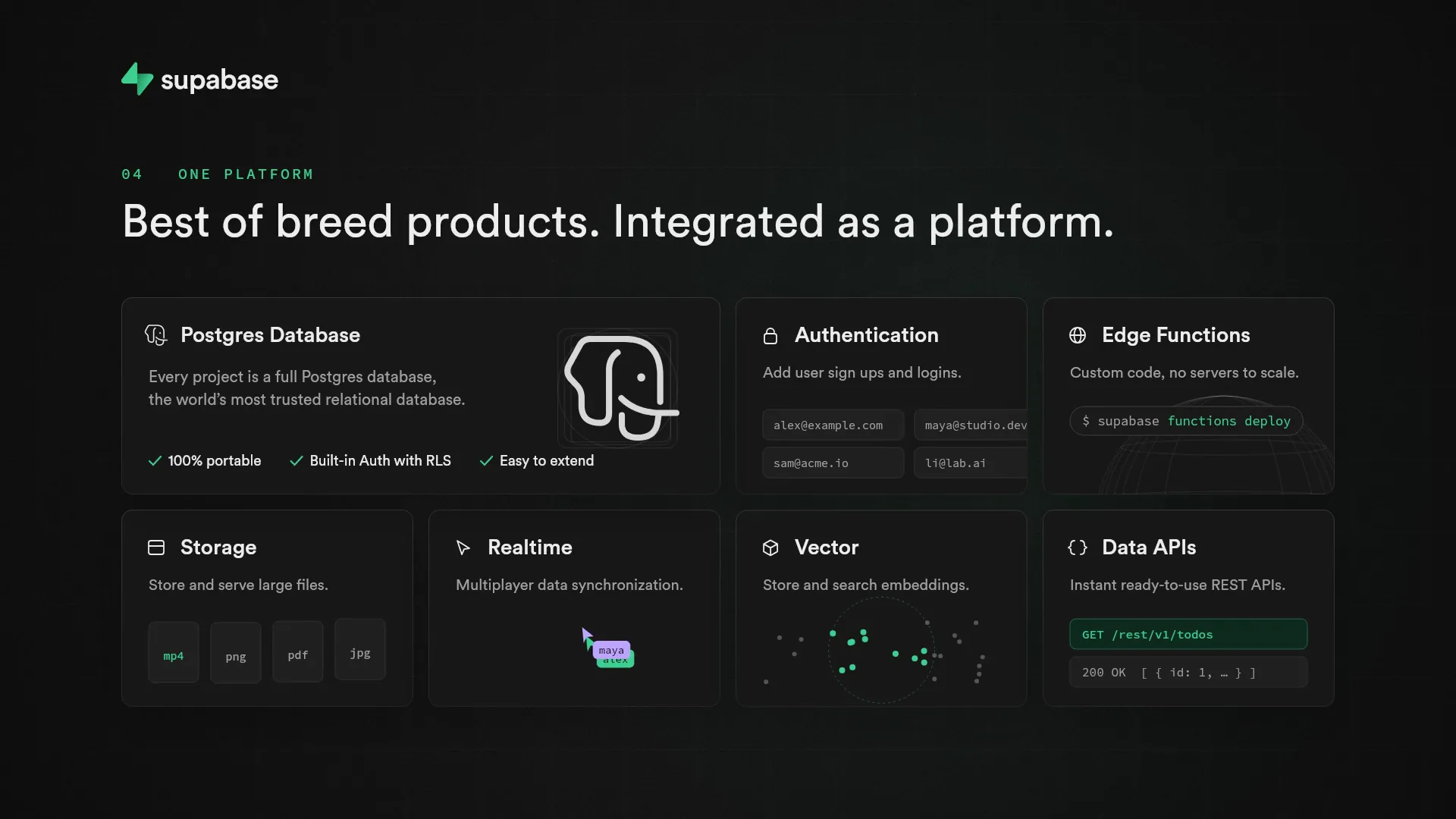 30s
Developer tools · SaaS explainer
Supabase
A 30s dark-mode explainer generated from supabase.com: a weekend backend to-do list, then Postgres, instant APIs and Row Level Security shown in UI. 30s
Fintech · SaaS explainer