
DEVELOPER TOOLS · SAAS EXPLAINER
Supabase explainer video: from backend to-do list to one platform
An unofficial 30-second explainer built from supabase.com. It opens on a weekend project whose backend checklist keeps growing, then answers each item with recreated Supabase UI: a todos table, a supabase-js query, and a Row Level Security policy that filters rows. It closes on the homepage line “Build in a weekend, Scale to millions” and a Start your project button.
- Length
- 30 seconds
- Creative direction
- Website identity
- Source
- supabase.com
- Generated
- 2026-11-04
The finished film. Sound on.
This video couldn’t load.
Open the videoMade with LaunchVideoAI
30 seconds, 1080p.
01 / SCENE BY SCENE
How the Supabase film is built.
- 0:00–0:05
Great idea. Then comes the backend.
Under a small “A weekend project” label, the line “Great idea.” is joined by “Then comes the backend.” Beside it a backend-todo.md checklist grows from four items to nine (database server, auth and password hashing, REST API layer, websockets, file storage, vector search, plan for scale) while its clock jumps from Saturday evening to Sunday night. The problem is shown as work piling up, not stated.
- 0:05–0:07
The bolt and the tagline
The green Supabase bolt appears inside faint concentric rings, followed by “The Postgres development platform.” It is the turn from problem to product, and it takes two seconds.
- 0:07–0:10
01 Postgres database
A numbered chapter label introduces “Every project is a full Postgres database.” An empty todos table in a Table Editor fills with six rows (Sketch the landing page, Design the schema, Wire up auth, Ship the MVP, Invite beta users, Scale to millions) owned by two users, alex and maya.
- 0:10–0:14
02 Instant ready-to-use REST APIs
An app.js tab types a supabase-js createClient call and a select on todos, while the same table sits on the right with a GET /rest/v1/todos tag. Code and data share the frame, so the API is shown connecting to something real.
- 0:14–0:18
03 Secure every row with Row Level Security
The left panel switches to policy.sql with [email protected] signed in. A policy called “Own todos only” is written, an RLS enabled badge lights up, and the table drops maya’s rows to leave alex’s three, with a note that alex sees 3 of 6 rows.
- 0:18–0:21
04 Best of breed products. Integrated as a platform.
A card grid recreates the homepage product section: Postgres Database, Authentication, Edge Functions, Storage, Realtime, Vector and Data APIs, each with its small illustration. It answers the rest of the opening checklist in one frame.
- 0:21–0:26
Build in a weekend, Scale to millions
The grid shrinks into a wall of tiles and the homepage headline builds word by word, with “Scale to millions” in Supabase green. It holds for about three seconds so both lines can be read.
- 0:26–0:30
Start your project
The bolt and wordmark sit above a green Start your project button. A cursor clicks it, and supabase.com appears underneath as the final line.
02 / FROM THE WEBSITE
What the AI took from supabase.com.
The only input was the website link and a short brief: “SaaS explainer structure: the customer problem, how the product works (mechanism, shown with real product evidence from the website), the result, and a clear call to action.”. Everything else came from researching the public site.
- The homepage headline “Build in a weekend, Scale to millions” and the call to action “Start your project”.
- Product names and lines from the site: “Every project is a full Postgres database”, “Instant ready-to-use REST APIs”, Row Level Security, and “Best of breed products. Integrated as a platform.”
- The homepage product grid: Postgres Database, Authentication, Edge Functions, Storage, Realtime, Vector, Data APIs.
- The supabase-js snippet from the site’s “Use Supabase with React” section (createClient with SUPABASE_URL and SUPABASE_ANON_KEY, then from('todos').select('*')).
- The Table Editor and RLS Policies views named on the site, recreated as dark panels with a todos table.
- “The Postgres development platform” from the page title, and the green-on-near-black palette of the site.
03 / WORTH BORROWING
Ideas to steal for your own launch video.
- Make the problem a checklist your viewer recognises. Nine backend to-dos read faster than a sentence about complexity.
- Answer the problem item by item. Numbered chapters (01 to 04) tell the viewer how far through the explanation they are.
- Keep one dataset through the whole film. The same todos table is created, queried and then secured, so each feature builds on the last.
- Show permissions with a before and after. Six rows dropping to three explains Row Level Security without a diagram.
SAME PROCESS. YOUR PRODUCT.
Paste your website and get a film like this.
Original animation and music. One-time payment from $13, with revisions included.
This is an unofficial concept film generated by LaunchVideoAI from Supabase’s public website. It is not affiliated with or endorsed by Supabase; trademarks and product imagery belong to their owners. Brand owners can ask for removal at [email protected].
KEEP WATCHING
More launch video examples.
 30s
Developer tools · SaaS explainer
Cursor
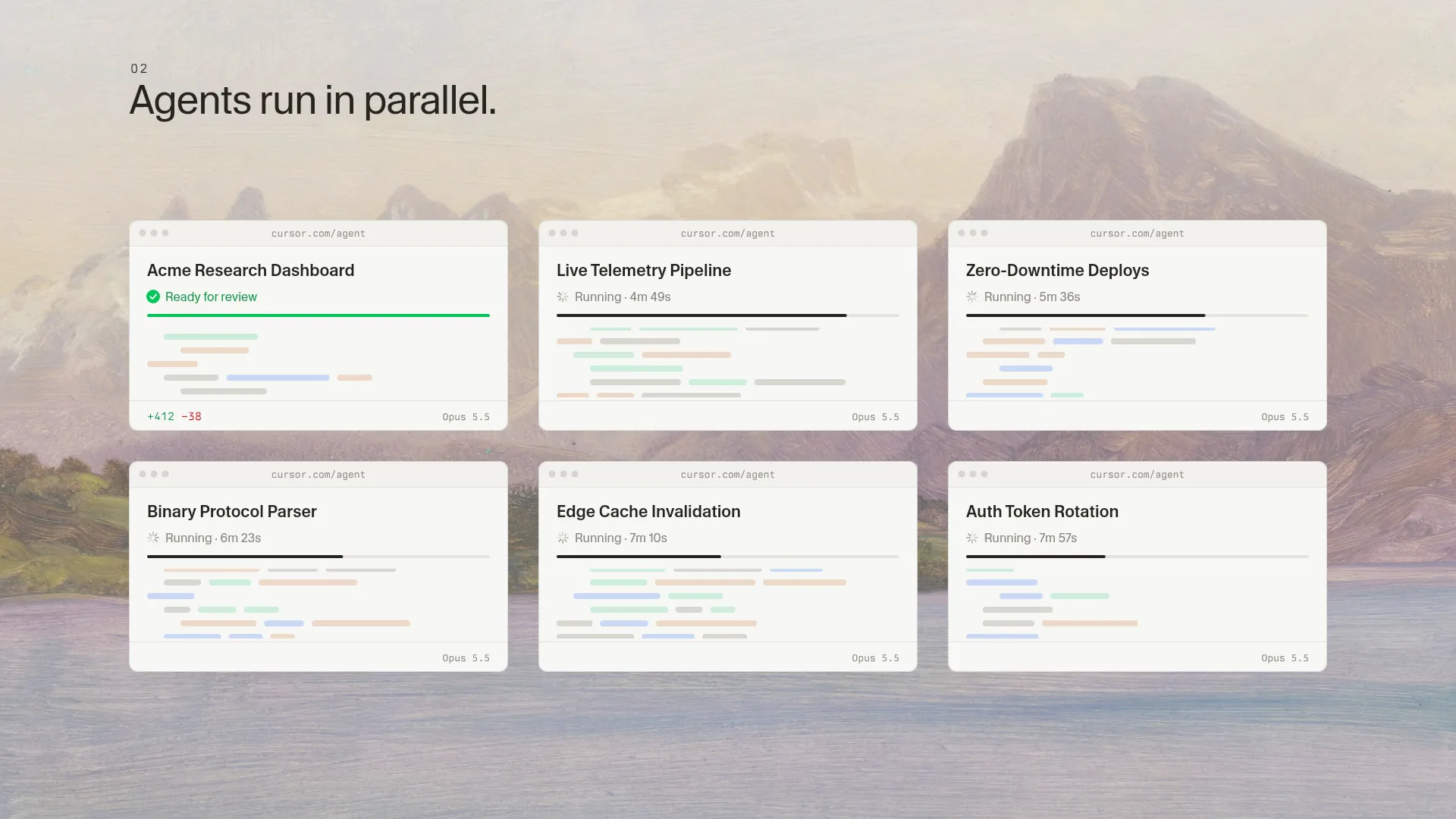
A 30s concept explainer generated from cursor.com: a queued backlog, one task handed to an agent, six agents in parallel, then the backlog cleared.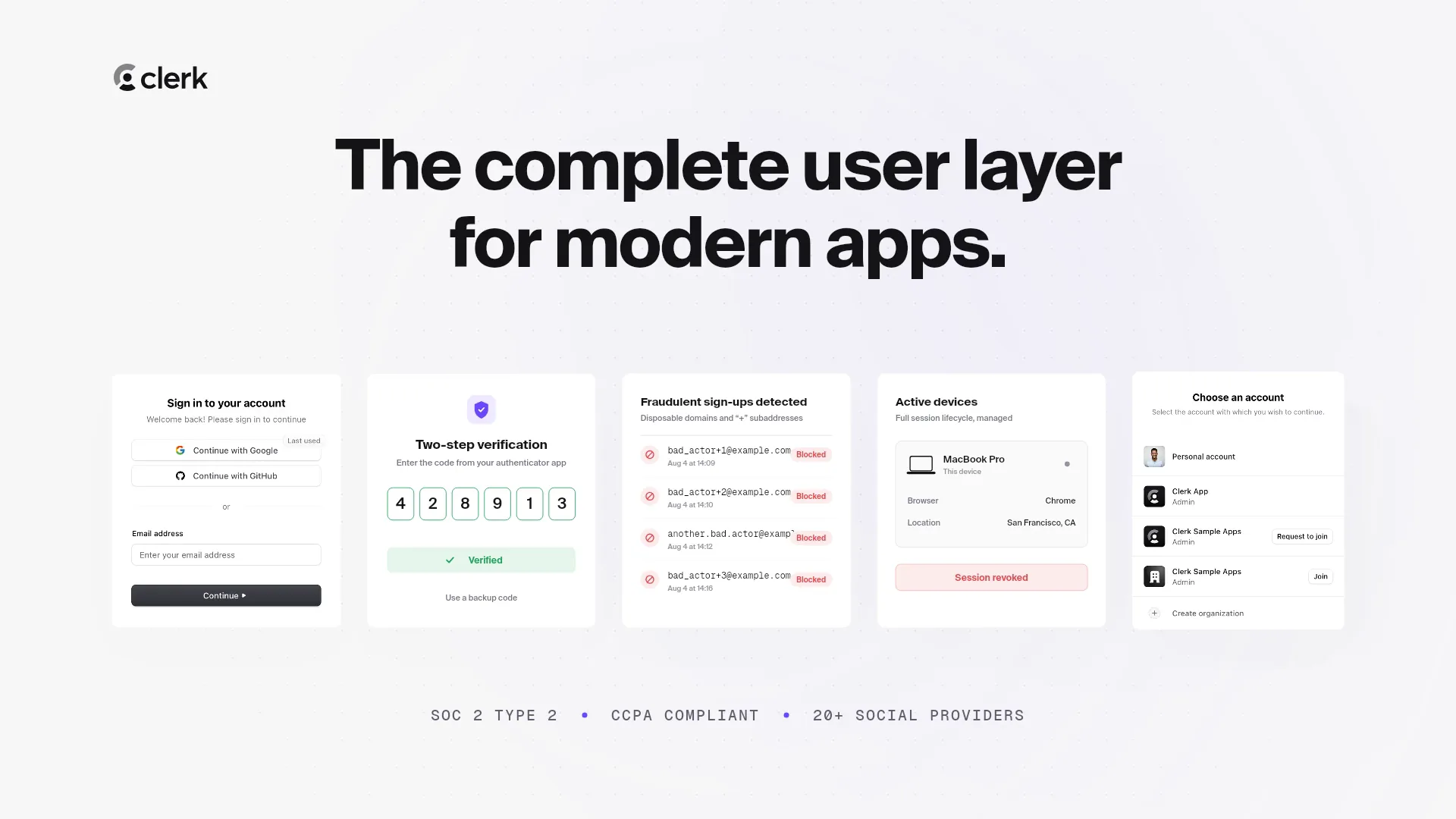 30s
Developer tools · SaaS explainer
Clerk
A 30s SaaS explainer generated from clerk.com: why login is hard, a SignIn component, 2FA, fraud blocking, session revoke, org switching, CTA. 15s
Developer tools · Launch film