
DEVELOPER TOOLS · LAUNCH FILM
Linear launch video: from Slack thread to pull request in 60s
An unofficial 60-second concept film built from linear.app. It walks one product team through four acts, each with a single short headline and a recreated Linear panel: a conversation turns into an issue, a roadmap fills in, an agent files issues, and a coding session produces a reviewed diff. Original music and a dark, quiet palette keep the focus on the product UI.
- Length
- 60 seconds
- Creative direction
- Website identity
- Source
- linear.app
- Generated
- 2026-09-27
The finished film. Sound on.
This video couldn’t load.
Open the videoMade with LaunchVideoAI
60 seconds, 1080p.
01 / SCENE BY SCENE
How the Linear film is built.
- 0:00–0:07
Wordmark and positioning line
The Linear logo sits on a near-black field crossed by faint horizontal light streaks, then gives way to the site’s headline, “The product development system for teams and agents.”, with “Purpose-built for planning and building products.” underneath. The line holds for about three seconds, long enough to read twice.
- 0:07–0:17
Conversations become issues
A #product thread fills in message by message as teammates mention slow iOS startup, ending with “@Linear create issues and assign to me.” A dotted line links it to issue DRV-8852 “Faster app launch”, whose activity log adds “Linear created the issue via Slack”, “Triage Intelligence added the labels” and the move to In Progress. Building the panel line by line shows cause and effect without narration.
- 0:17–0:27
Plan from idea to launch
A Mar–Sep roadmap draws four colored project bars (UI Refresh, Split fares, Autonomy status clarity, Autonomy telemetry reliability) with milestone markers such as Internal, Public Beta, Alpha and GA. A Today marker slides from June toward July, giving the static chart a sense of time passing.
- 0:27–0:37
Agents work alongside you
A Linear agent chat is asked for the three most important customer requests around permissions. After “Worked for 8 sec” it lists ENG-2298, ENG-2647 and ENG-2352, and each issue drops into the Access Controls project card, whose count climbs from 0 to 3. The request and the result share one frame, so the delegation reads instantly.
- 0:37–0:47
From issue to diff to review
Issue ENG-2498 “Replace isFullySynced with a sync status” moves from Todo to In Progress to In Review, while a red and green diff of HomeScreen.tsx writes itself alongside. The act closes on “Draft PR awaiting your review” and a green “Ready for review” pill.
- 0:47–0:53
Reduce noise. Restore momentum.
Faint wave lines clear the screen, then a two-line statement lands over horizontal scanlines, with “Restore momentum.” set in Linear’s indigo. It is the only beat with no UI, which marks the shift from demo to message.
- 0:53–1:00
Closing card
The logo returns above “Built for the future. Available today.”, the closing line from linear.app, with a white Get started button and linear.app beneath. The card holds for about six seconds so the URL can be read.
02 / FROM THE WEBSITE
What the AI took from linear.app.
The only input was the website link and a short brief: “A thoughtful 60-second launch film for a product team audience. Build a real narrative with several distinct visual acts, concise readable copy, custom issue and project illustrations, transitions, musical variation, and a confident closing. Keep each essential sentence on screen long enough to read. Use verified product information, no fabricated metrics or testimonials.”. Everything else came from researching the public site.
- Hero headline used verbatim: “The product development system for teams and agents.” plus the subline “Purpose-built for planning and building products.”
- Issue DRV-8852 “Faster app launch” and its activity log (created via Slack, Triage Intelligence labels, Todo to In Progress) recreated from the homepage demo.
- Section themes taken from the site’s feature blocks: intake, planning and monitoring, AI and agents, and build, review and ship.
- Closing line “Built for the future. Available today.” lifted from the site’s final call to action.
- Near-black palette from the site’s theme color (#08090a) with indigo accents, and monospace touches in the code diff.
03 / WORTH BORROWING
Ideas to steal for your own launch video.
- Give each act one short headline and one UI panel. Four acts at roughly ten seconds each is enough time to read both.
- Build interface panels line by line instead of showing them complete, so viewers follow the cause and effect.
- Reuse real product vocabulary from your site, like issue IDs and status names. It makes the demo feel specific without inventing claims.
- Put one UI-free statement before the end card to mark the shift from showing to telling.
- Hold the closing card for five seconds or more so the URL and call to action register.
SAME PROCESS. YOUR PRODUCT.
Paste your website and get a film like this.
Original animation and music. One-time payment from $13, with revisions included.
This is an unofficial concept film generated by LaunchVideoAI from Linear’s public website. It is not affiliated with or endorsed by Linear; trademarks and product imagery belong to their owners. Brand owners can ask for removal at [email protected].
KEEP WATCHING
More launch video examples.
 15s
Developer tools · Launch film
Resend
A 15s minimal launch film generated from resend.com: an emails.send call typed in Node.js, HTTP 200 responses, then Sent, Delivered, Opened, Clicked. 30s
Developer tools · Launch film
Vercel
A 30s monochrome concept film generated from vercel.com: a glowing triangle, a vercel deploy CLI run, a delivery globe and the agent stack.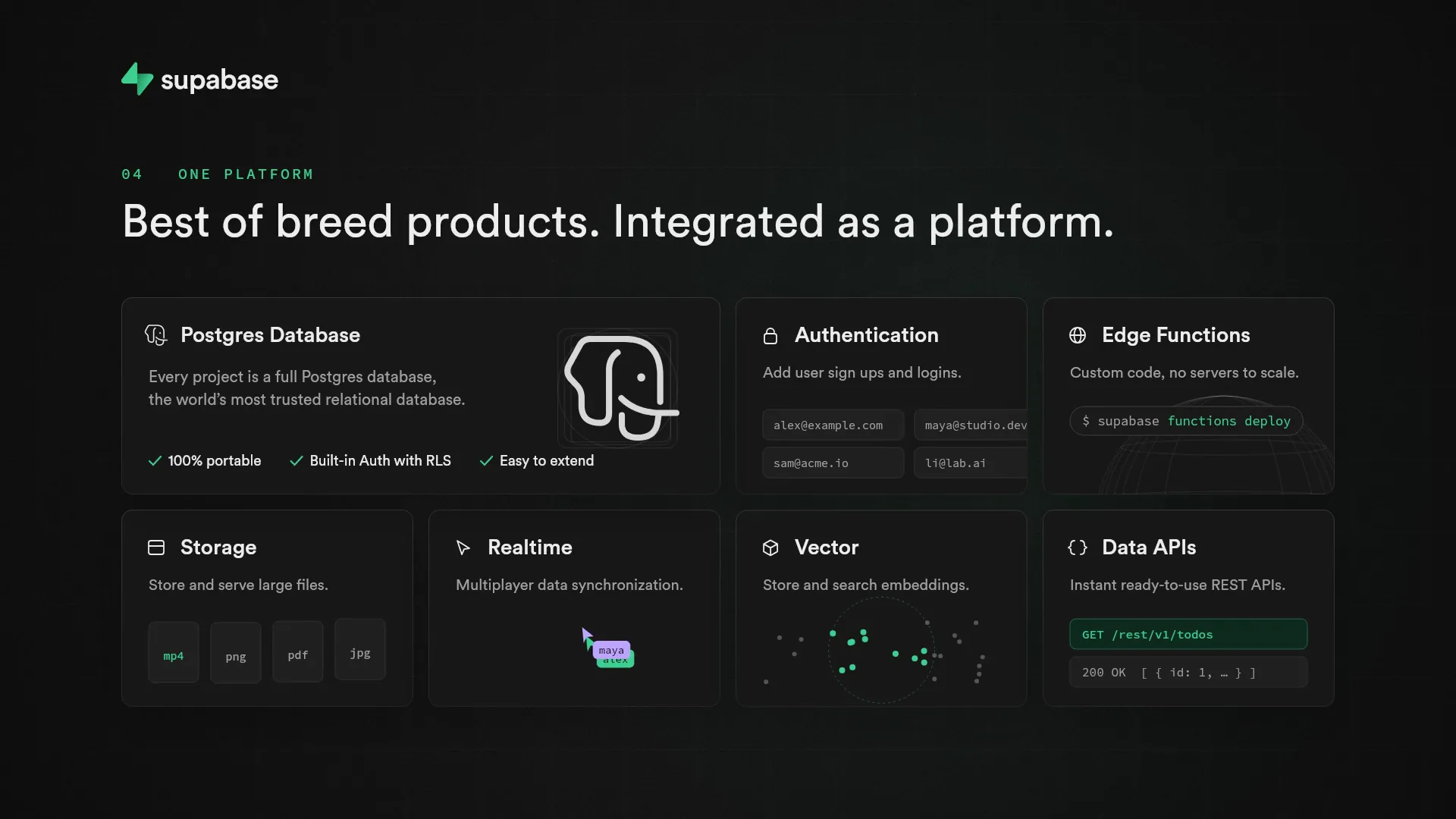 30s
Developer tools · SaaS explainer