
AI · LAUNCH FILM
Lovable launch video: from one sentence to a built app in 15s
An unofficial 15-second concept film built from lovable.dev. It turns the site’s promise, “If you can describe it, you can build it.”, into one continuous camera move: the headline pans down to a prompt box, the box grows into an editor window where a sample app assembles itself, and the window slides aside for the site’s infrastructure lines. The brand gradient from Lovable’s heart logo is held back for key words until the finale, where it fills the background behind “Build something Lovable”.
- Length
- 15 seconds
- Creative direction
- Kinetic editorial
- Source
- lovable.dev
- Generated
- 2026-11-04
The finished film. Sound on.
This video couldn’t load.
Open the videoMade with LaunchVideoAI
15 seconds, 1080p.
01 / SCENE BY SCENE
How the Lovable film is built.
- 0:00–0:02
If you can describe it
The first frame is already set: “If you can describe it,” in black on cream, with “describe” in the orange-to-blue brand gradient. “you can build it.” rolls up beneath it, with “build it.” in the same gradient. Because frame zero carries a full line, the opening also works as a thumbnail.
- 0:02–0:05
The camera pans to the prompt
A quick vertical pan with motion blur carries the headline off screen and lands on a prompt box under “Describe what you want in plain language.” The site’s placeholder, “Ask Lovable to create a web app that…”, gives way to a sample prompt, “Build a bug tracker for teams that ship fast”, typed letter by letter. The Build button turns from black to the brand gradient as the prompt is sent.
- 0:05–0:09
Watch it build in real time
The prompt card grows into an editor window, with the prompt as a chat bubble on the left and an empty preview on the right. Under the line “Watch Lovable build it with you, in real time.” a sample app fills in: a “Bug tracking for teams that ship fast” hero, a Get started for free button, then a To do, In progress and Done board where one card gets a green check. Morphing the card instead of cutting keeps prompt and result connected.
- 0:09–0:12
Depend on Lovable, from end to end
The editor window glides left and shrinks, and a feature roll plays beside it under “Depend on Lovable, from end to end”: “Hosting, handled.”, then “Your app stack, connected.”, then “Payments, processed.” The second word of each line carries the gradient, and three small dots track progress through the list.
- 0:12–0:13
60 million projects
Under “Millions count on Lovable”, gradient digits roll like an odometer and settle on “60 million”, with “projects built with Lovable” beneath. The figure is the one shown on lovable.dev, and it gets its own beat with nothing else on screen.
- 0:13–0:15
Build something Lovable
The heart logo assembles from its two pieces, a stem and a lobe, while blue, pink and red glows rise from the edges of the frame. “Build something Lovable”, the site’s hero line, settles below it with a lovable.dev pill, and the card holds for the final second and a half.
02 / FROM THE WEBSITE
What the AI took from lovable.dev.
The only input was the website link. Everything else came from researching the public site.
- Headline line from the site used verbatim: “If you can describe it, you can build it.”, plus “Describe what you want in plain language.” above the prompt box.
- The homepage prompt box with its placeholder “Ask Lovable to create a web app that…” and Build button, recreated as the film’s pivot.
- Infrastructure lines from the “Depend on Lovable, from end to end” section: “Hosting, handled”, “Your app stack, connected” and “Payments, processed”.
- The “Millions count on Lovable” statistic, 60 million projects built with Lovable, as shown on the homepage.
- Hero line “Build something Lovable” and the heart logo from the site header, with its orange, red, pink and blue gradient reused on key words.
- Cream page color (#FCFBF8), near-black ink and the site’s Camera Plain typeface.
03 / WORTH BORROWING
Ideas to steal for your own launch video.
- If your product starts with a text box, make the text box the hero of the film. Showing the prompt typed and then built explains the product without narration.
- Morph one element into the next (headline to prompt, prompt to editor) instead of cutting. A 15-second film reads as one idea when the camera never resets.
- Save your strongest brand color for a few words and the finale. Gradient on every line stops signaling what matters.
- Give a single real number from your site its own beat. One figure on an empty frame lands harder than a row of stats.
- Use clearly fictional sample content for the demo, like a generic bug tracker, so the UI feels alive without claiming anything about real customers.
SAME PROCESS. YOUR PRODUCT.
Paste your website and get a film like this.
Original animation and music. One-time payment from $13, with revisions included.
This is an unofficial concept film generated by LaunchVideoAI from Lovable’s public website. It is not affiliated with or endorsed by Lovable; trademarks and product imagery belong to their owners. Brand owners can ask for removal at [email protected].
KEEP WATCHING
More launch video examples.
 15s
AI · Launch film
ElevenLabs
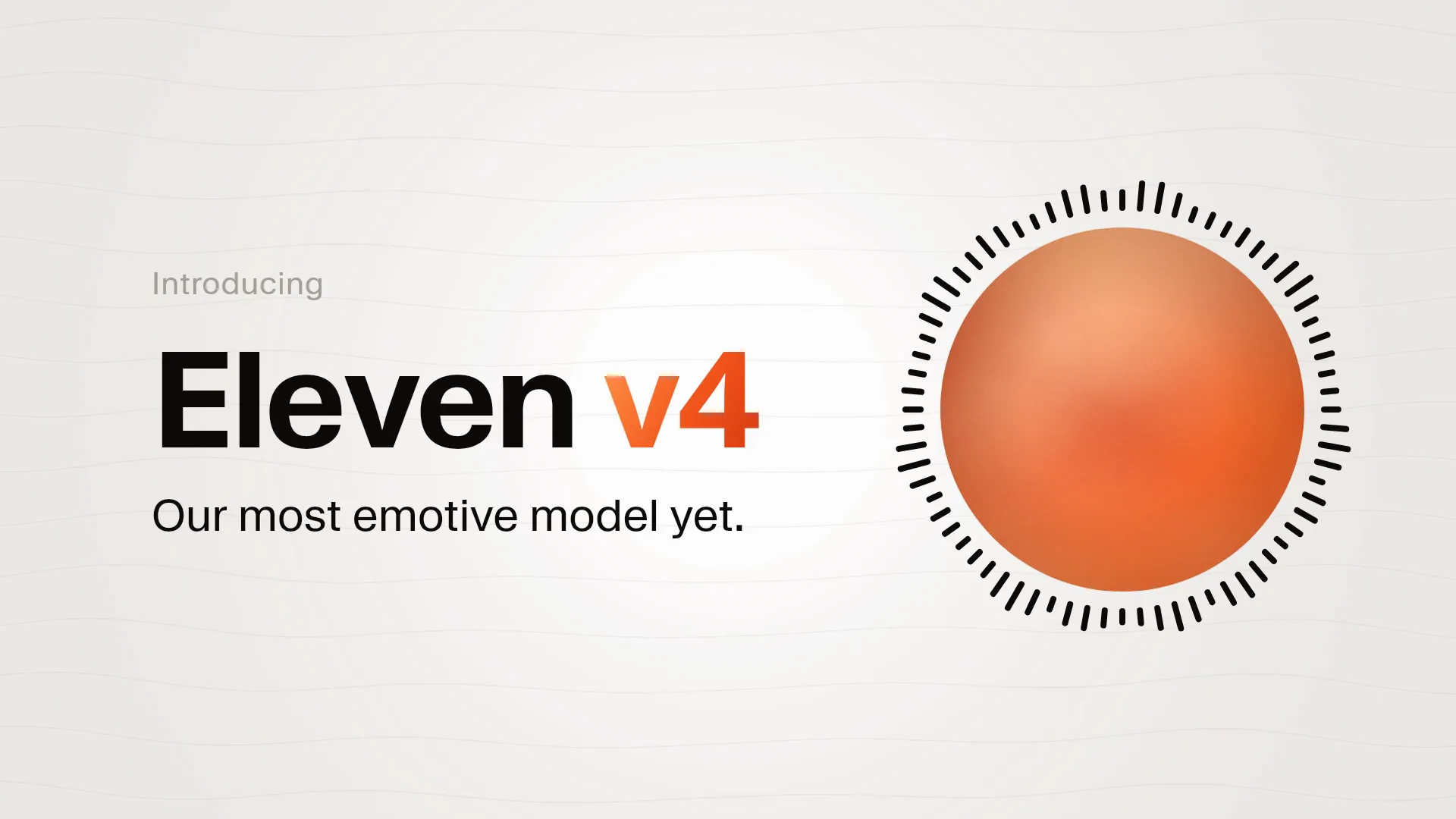
A 15s concept film generated from elevenlabs.io: the logo becomes a play button, Eleven v4 audio tags turn into type, and Hello cycles languages.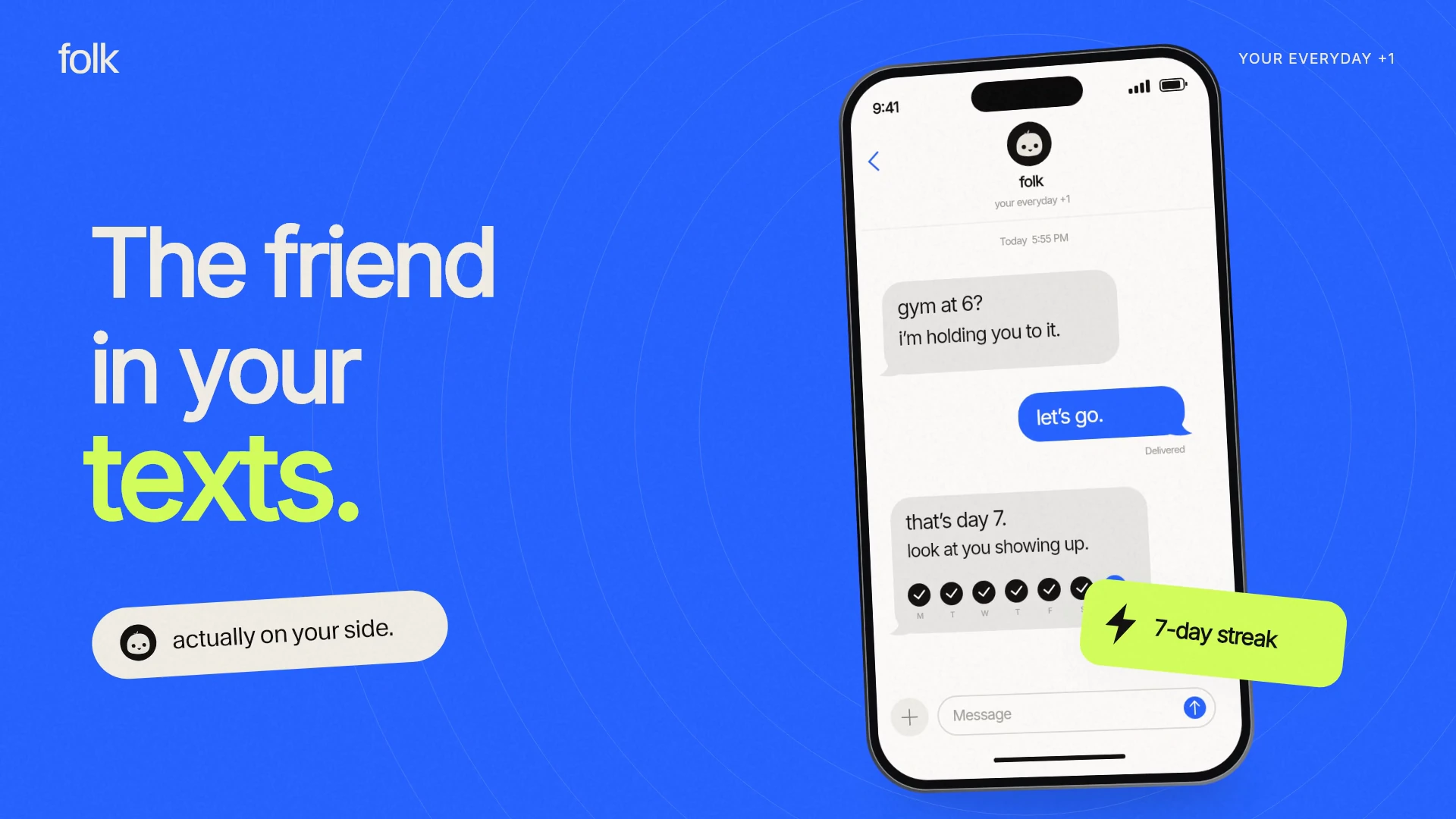 15s
AI · Launch film
folk
A bright 15-second concept film for folk.com, the AI friend in your texts: an iMessage chat, a 7-day streak, habit cards and a lime end card. 45s
AI · Launch film